

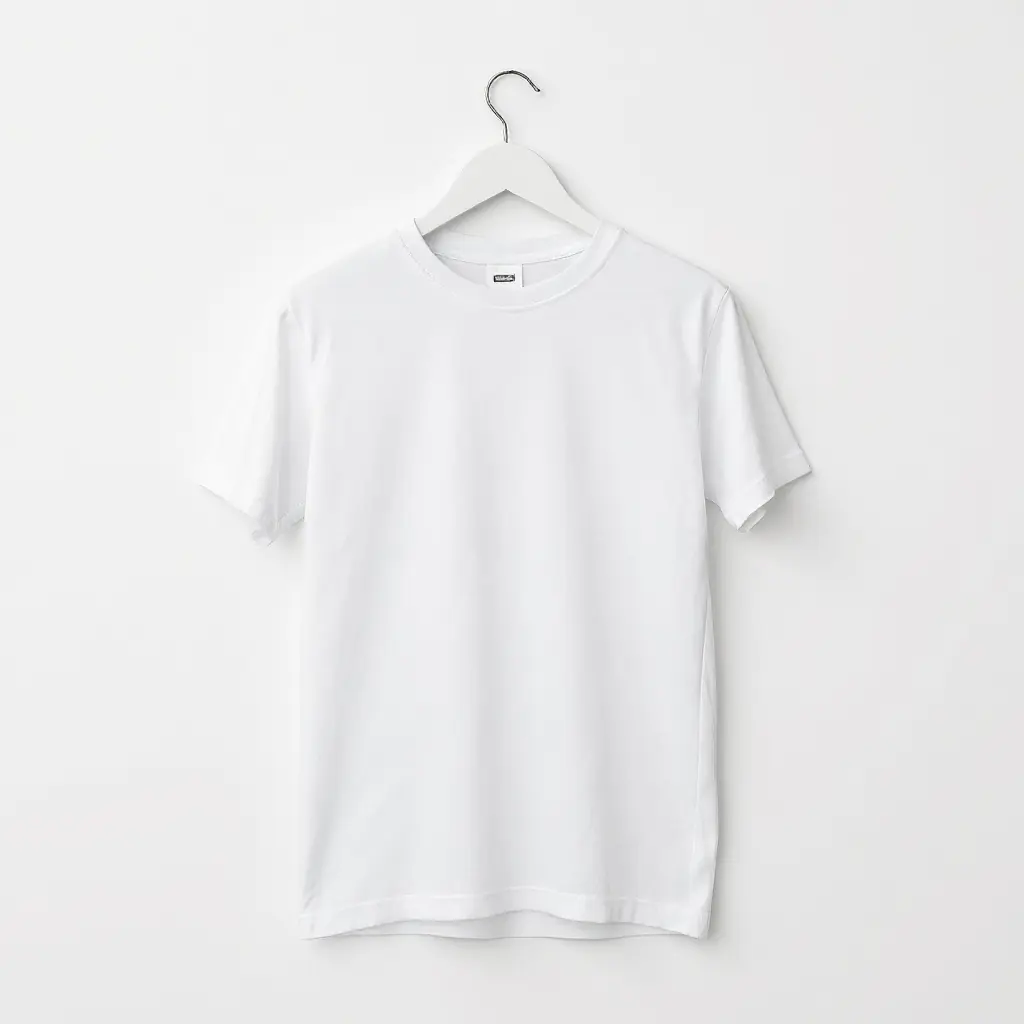
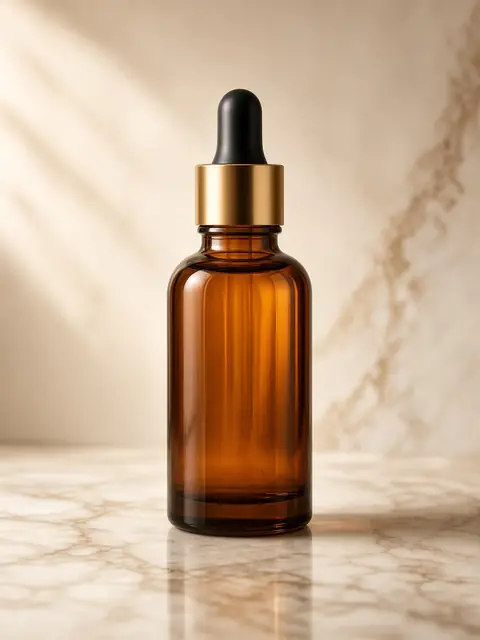
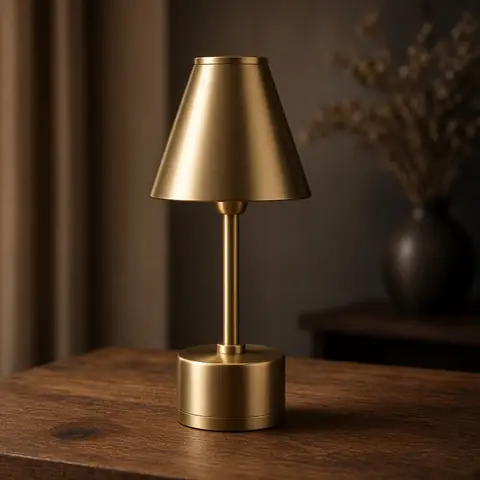

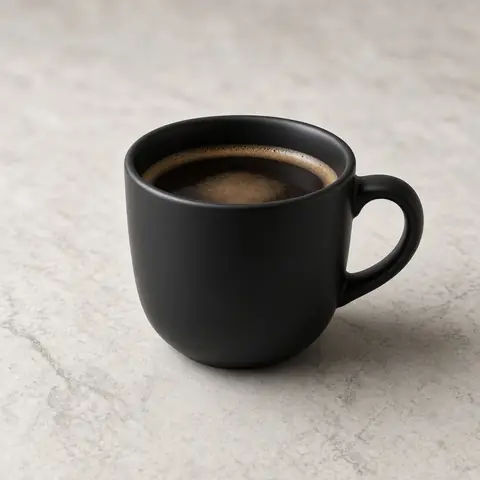
01
Upload
Start with a single product photo.
AI PRODUCT PHOTOGRAPHY
Turn a single product photo into studio-quality product photography with AI.
The work
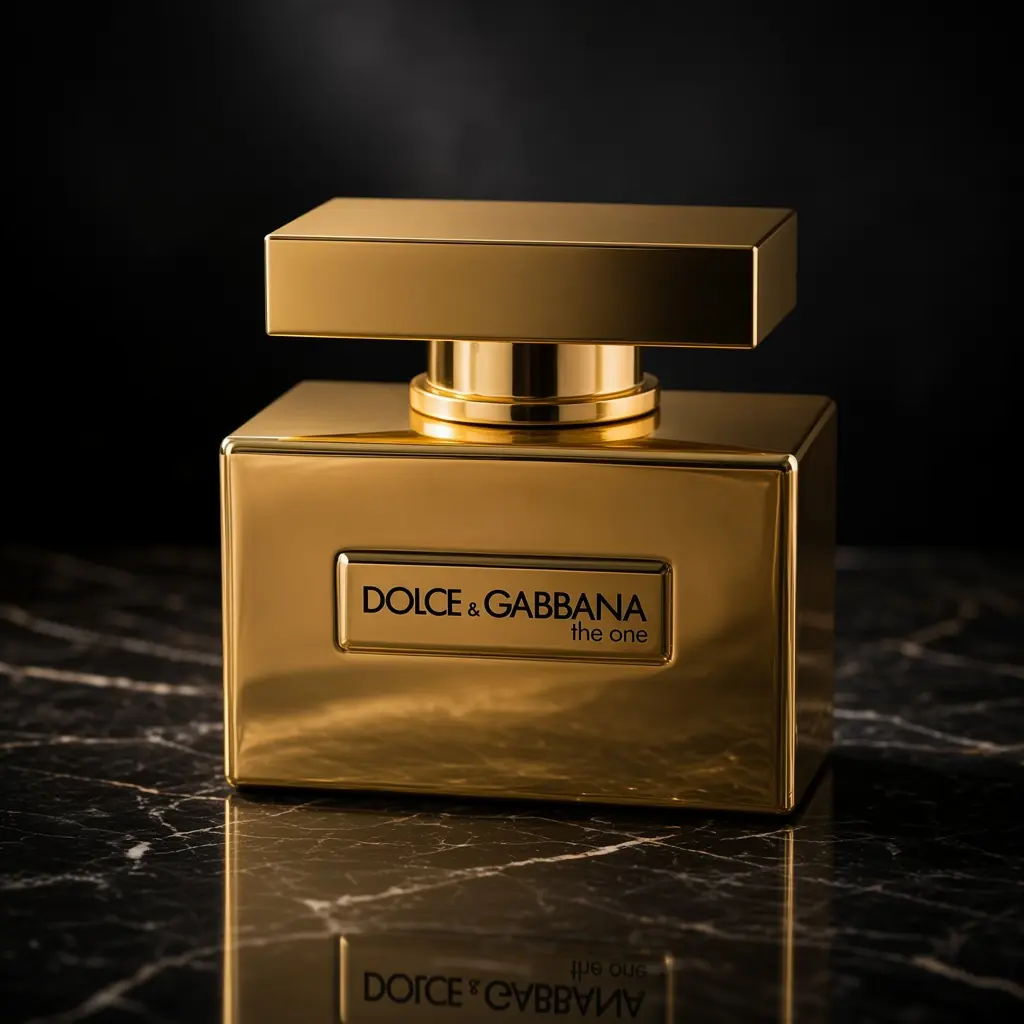
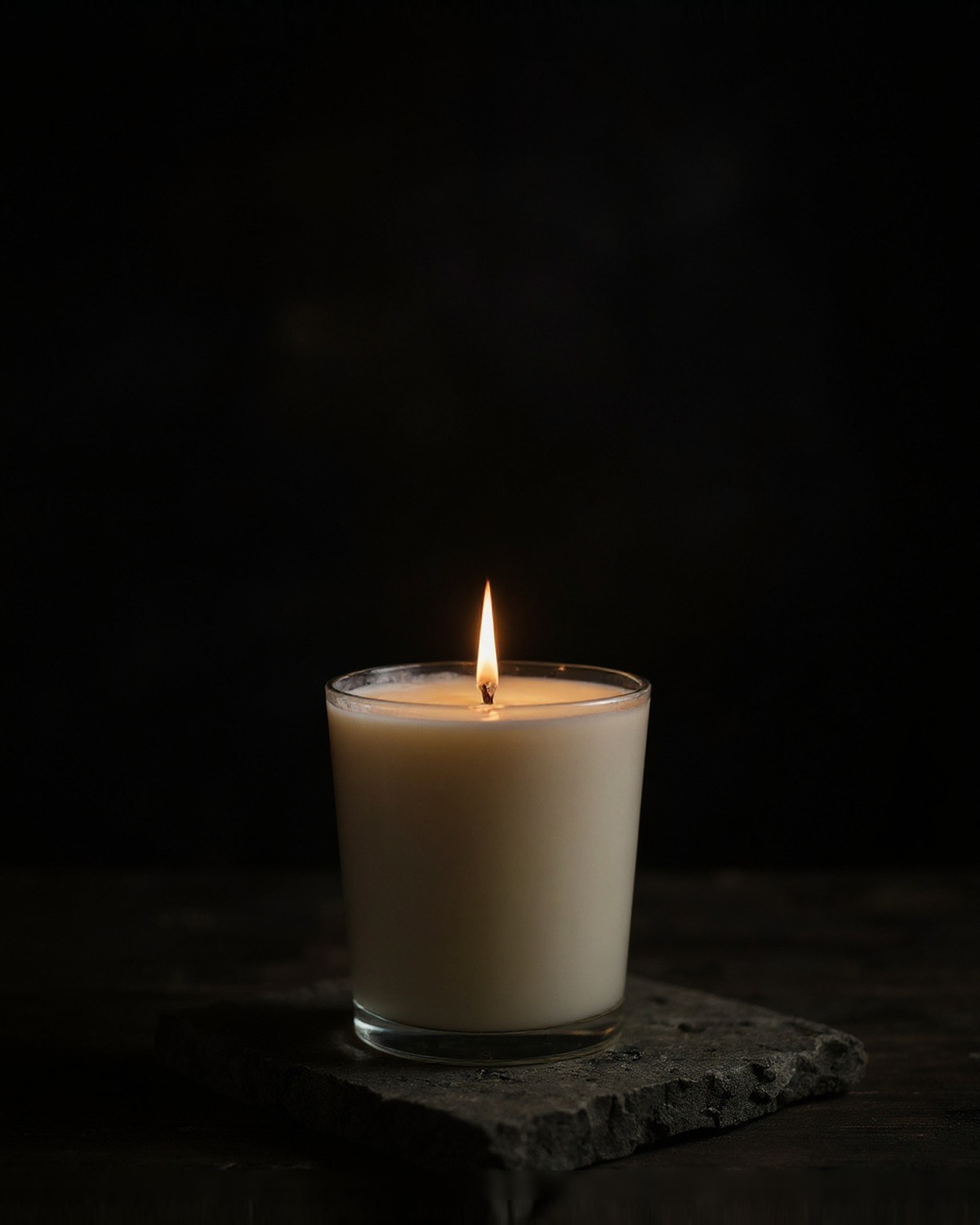
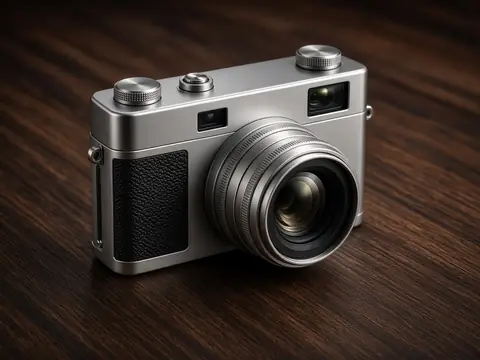
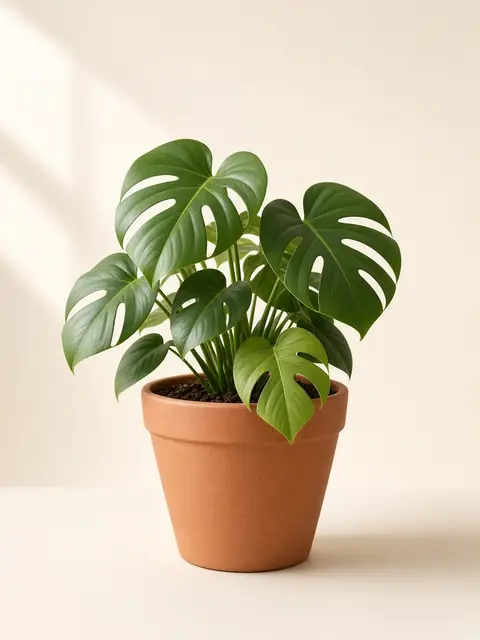
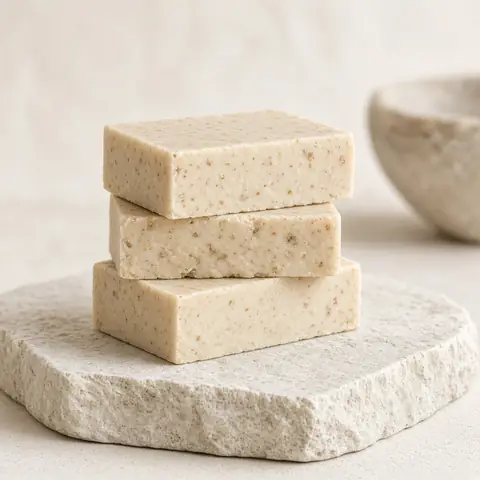
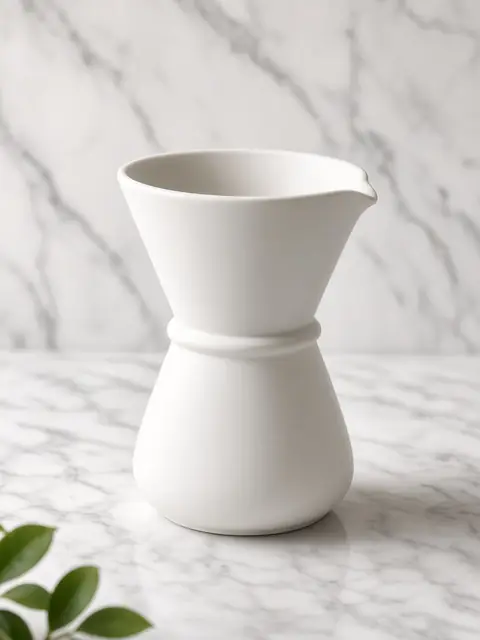
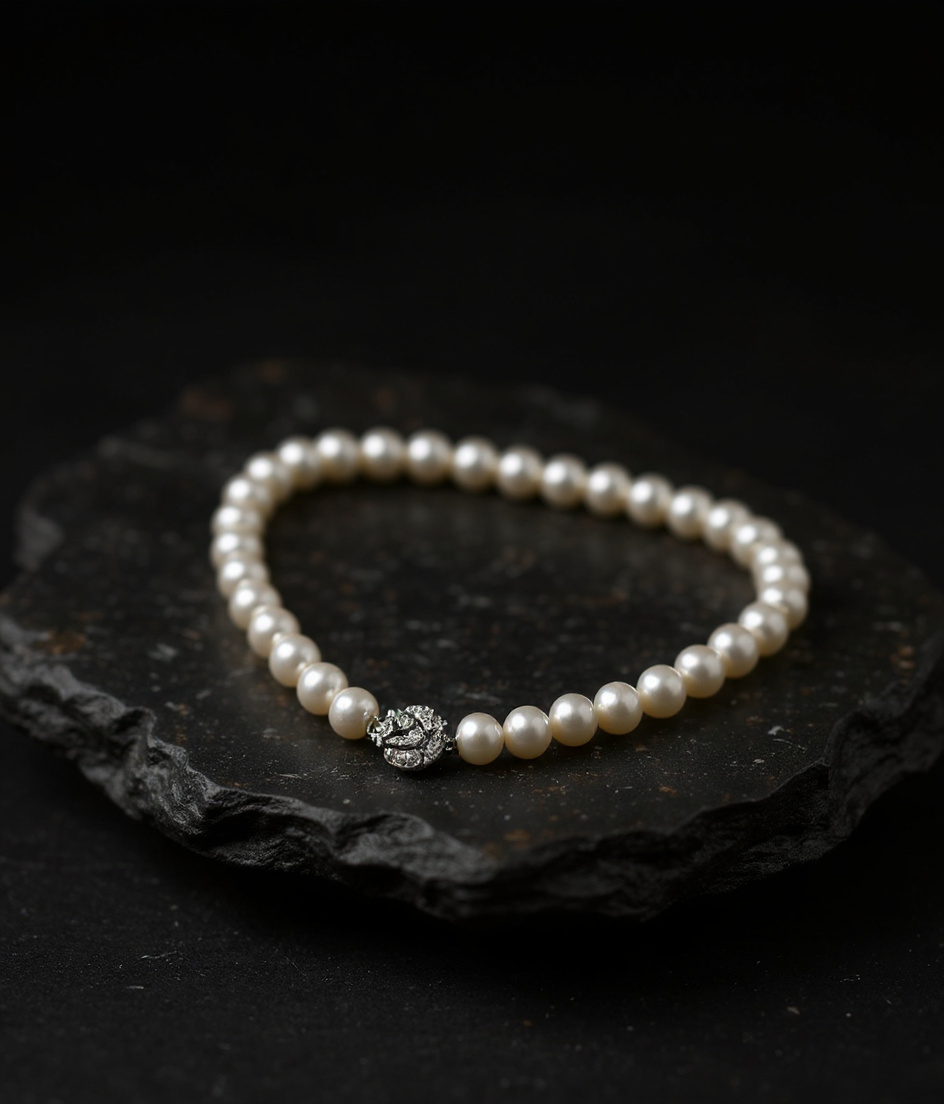
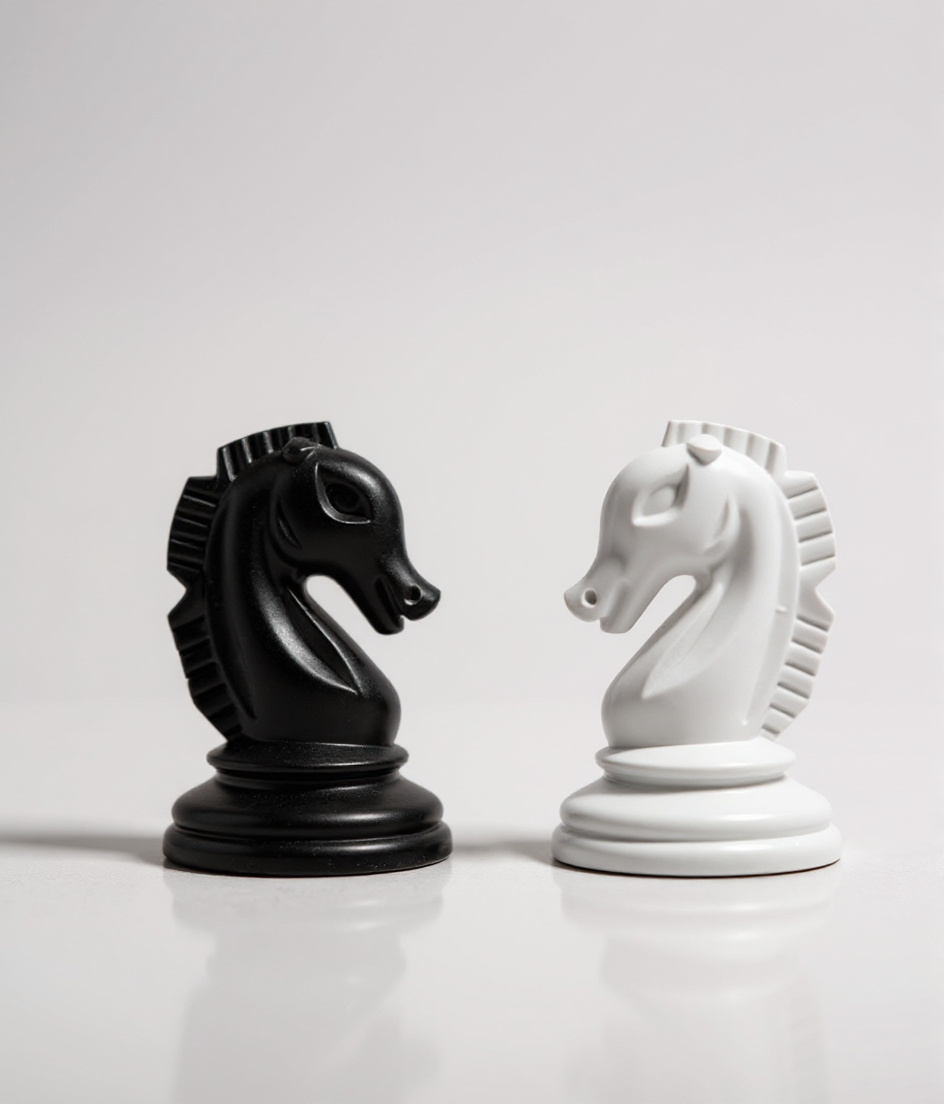
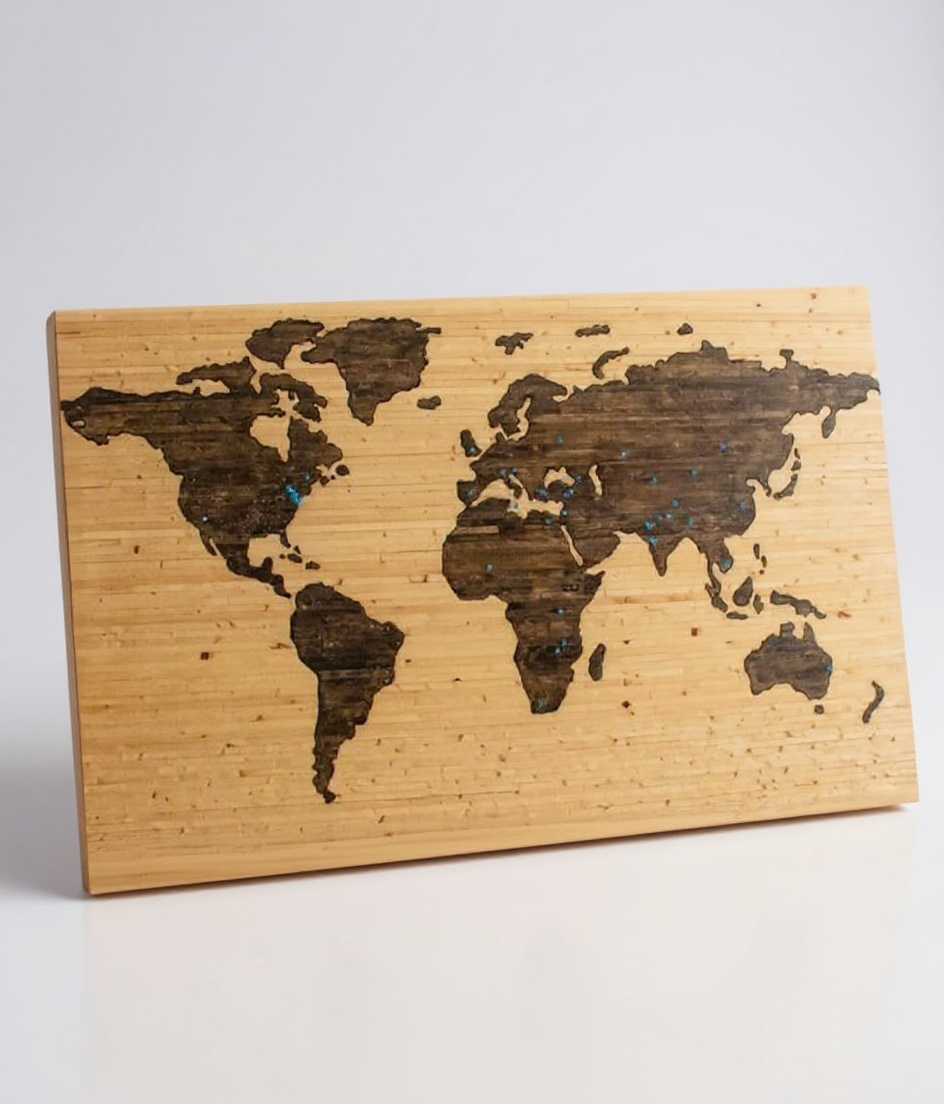
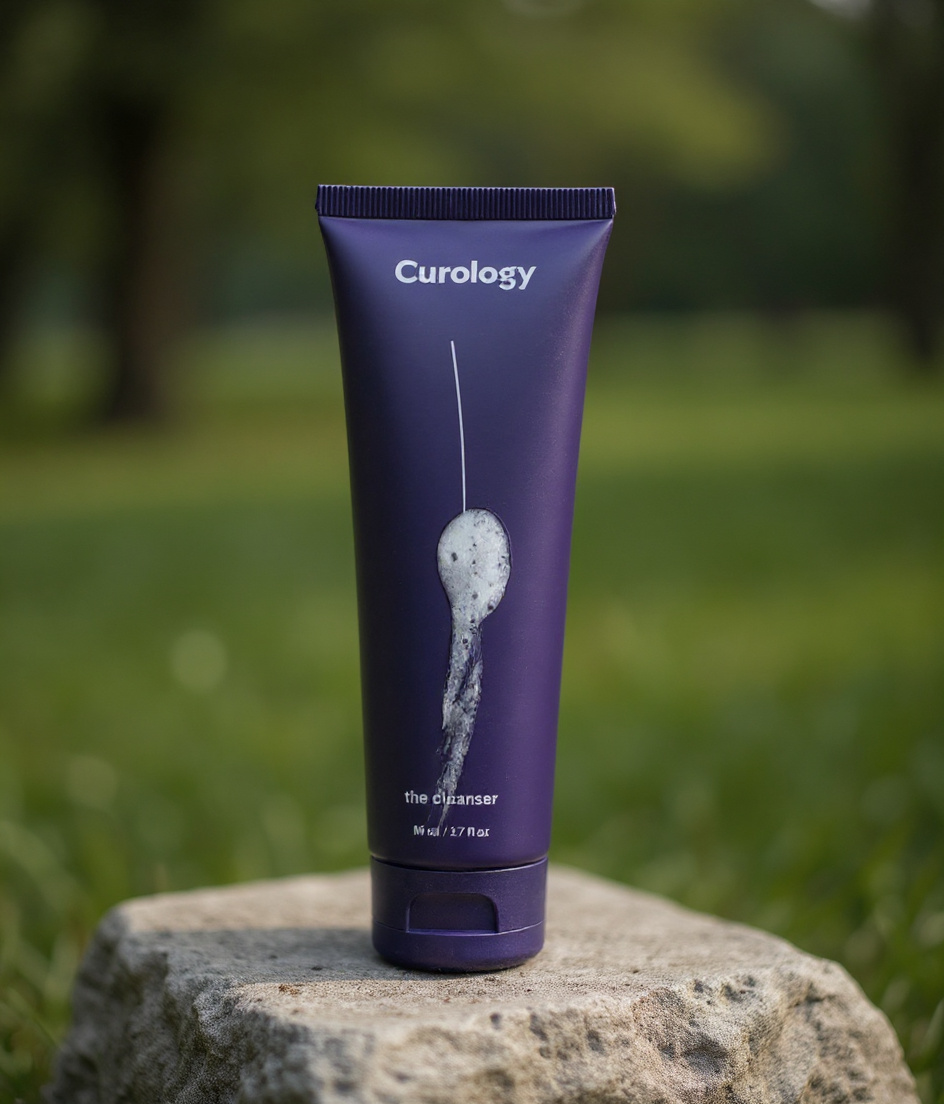
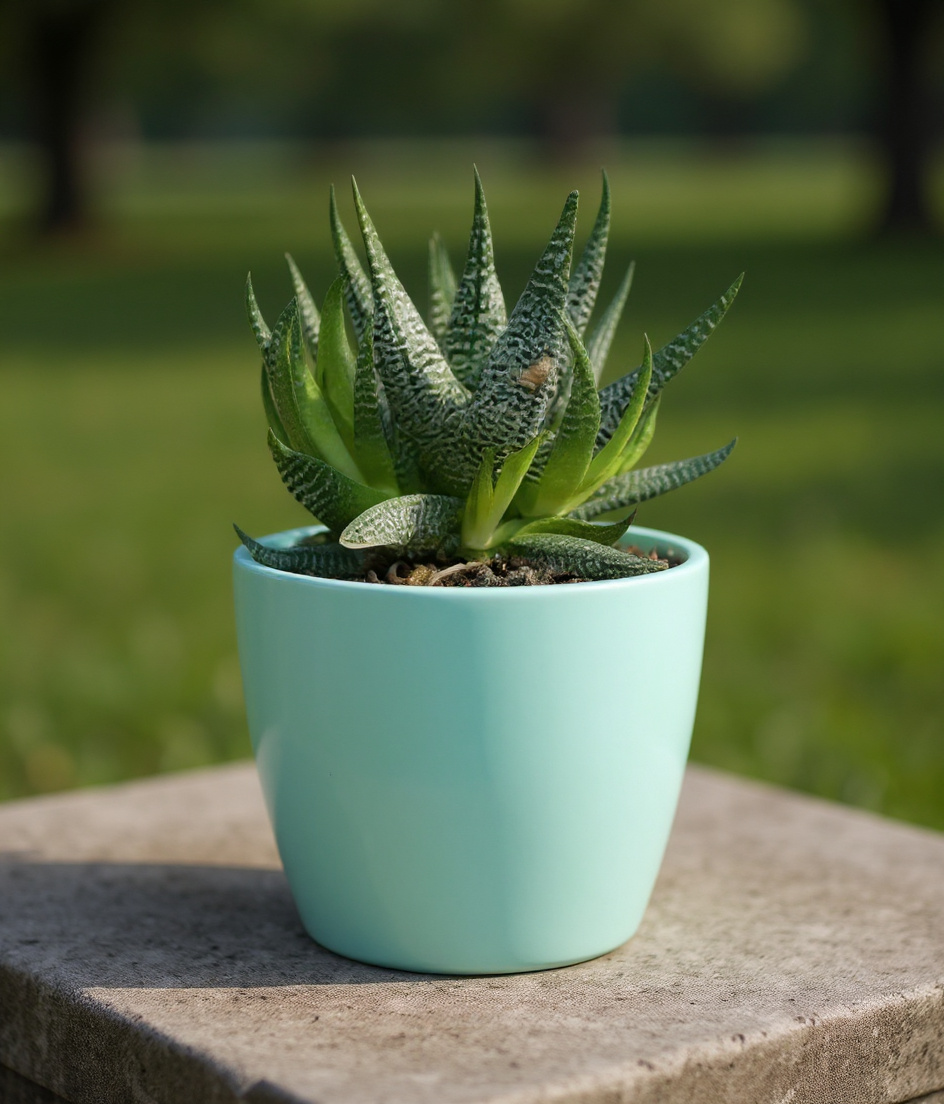
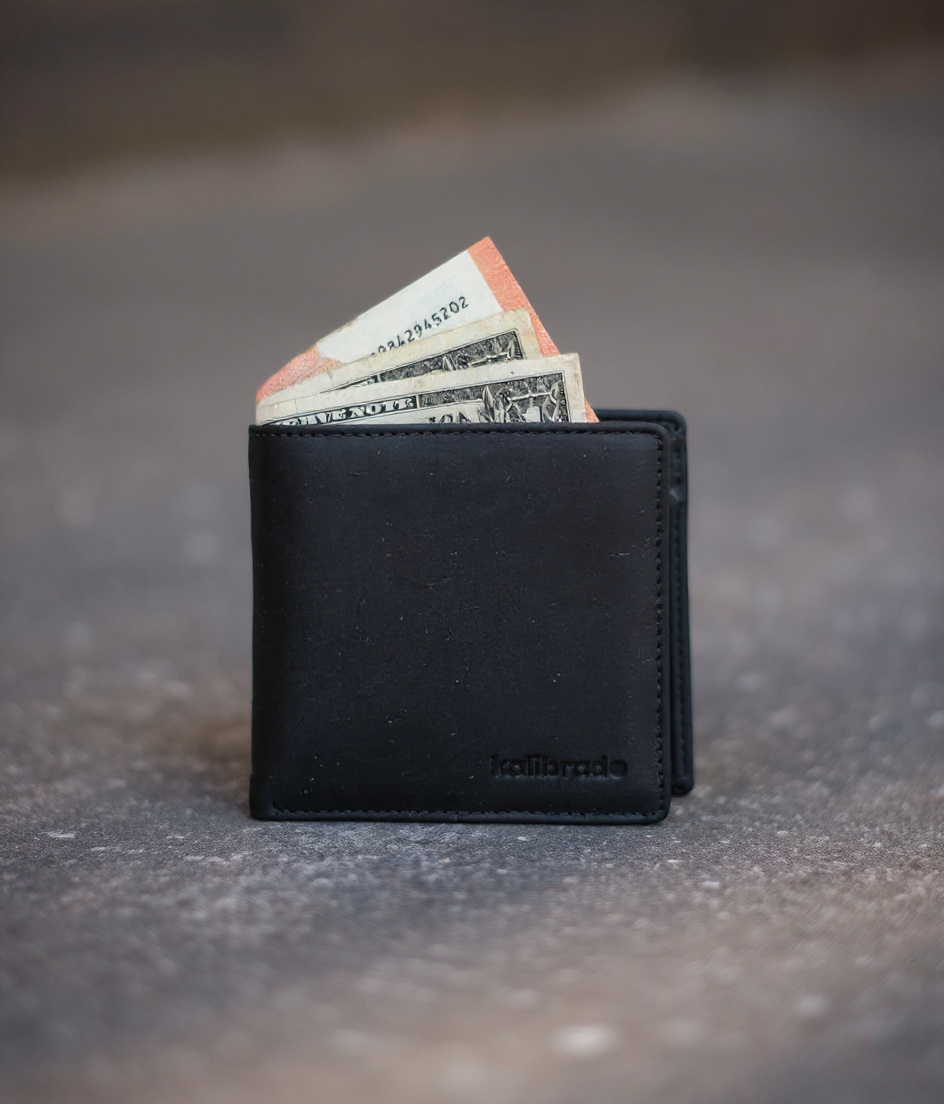
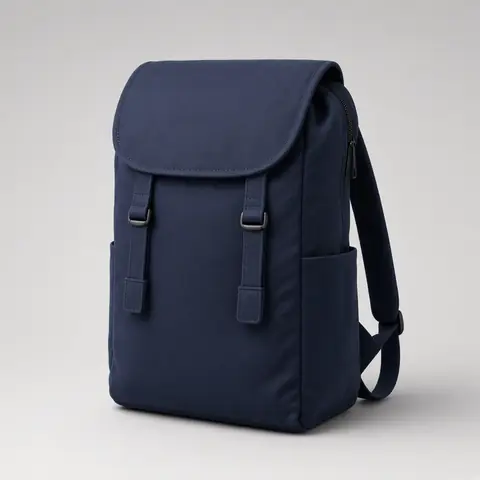
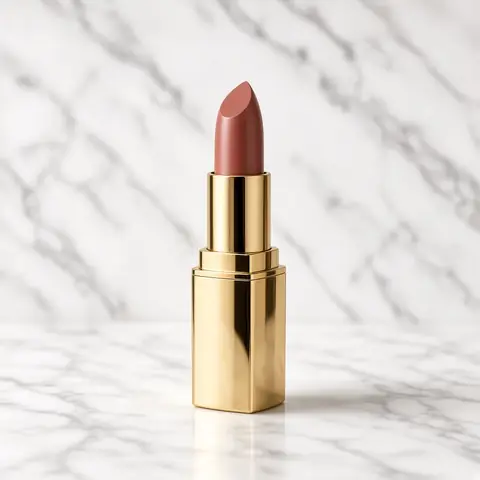
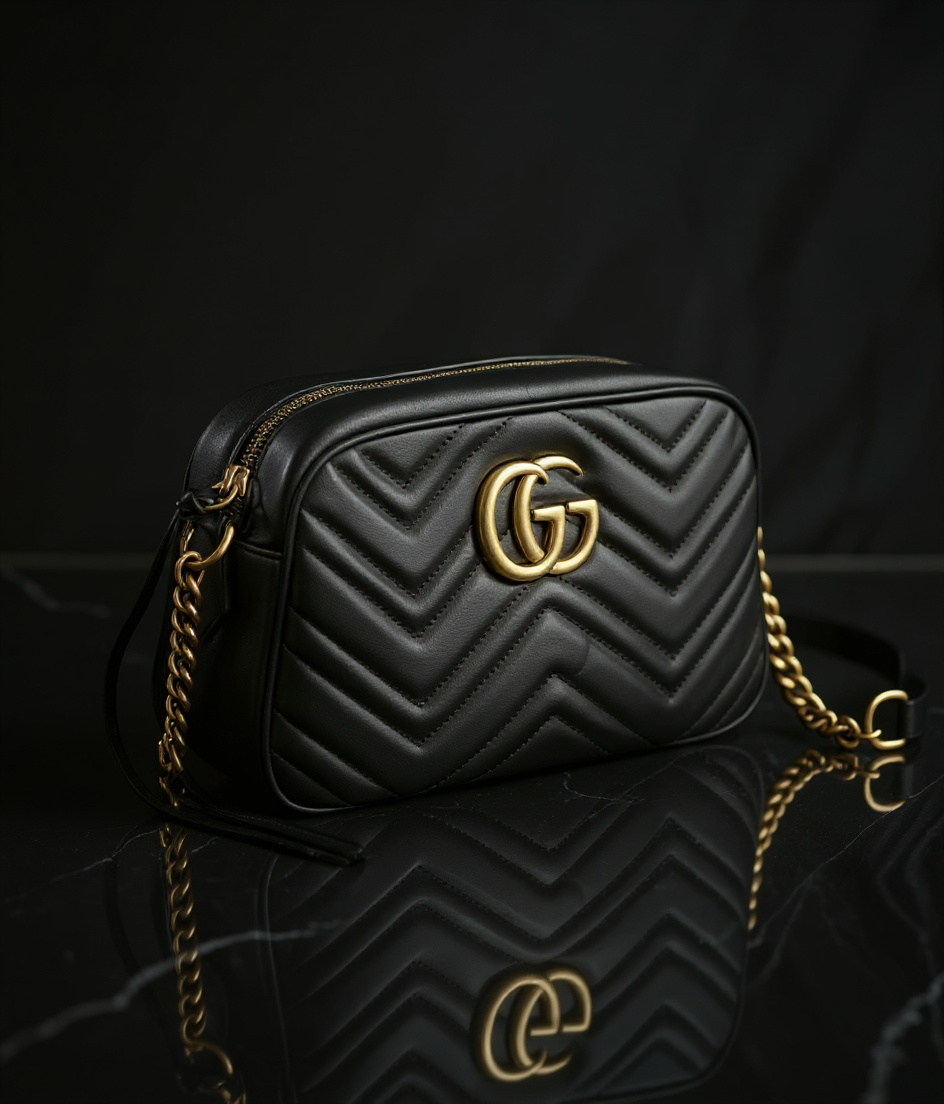
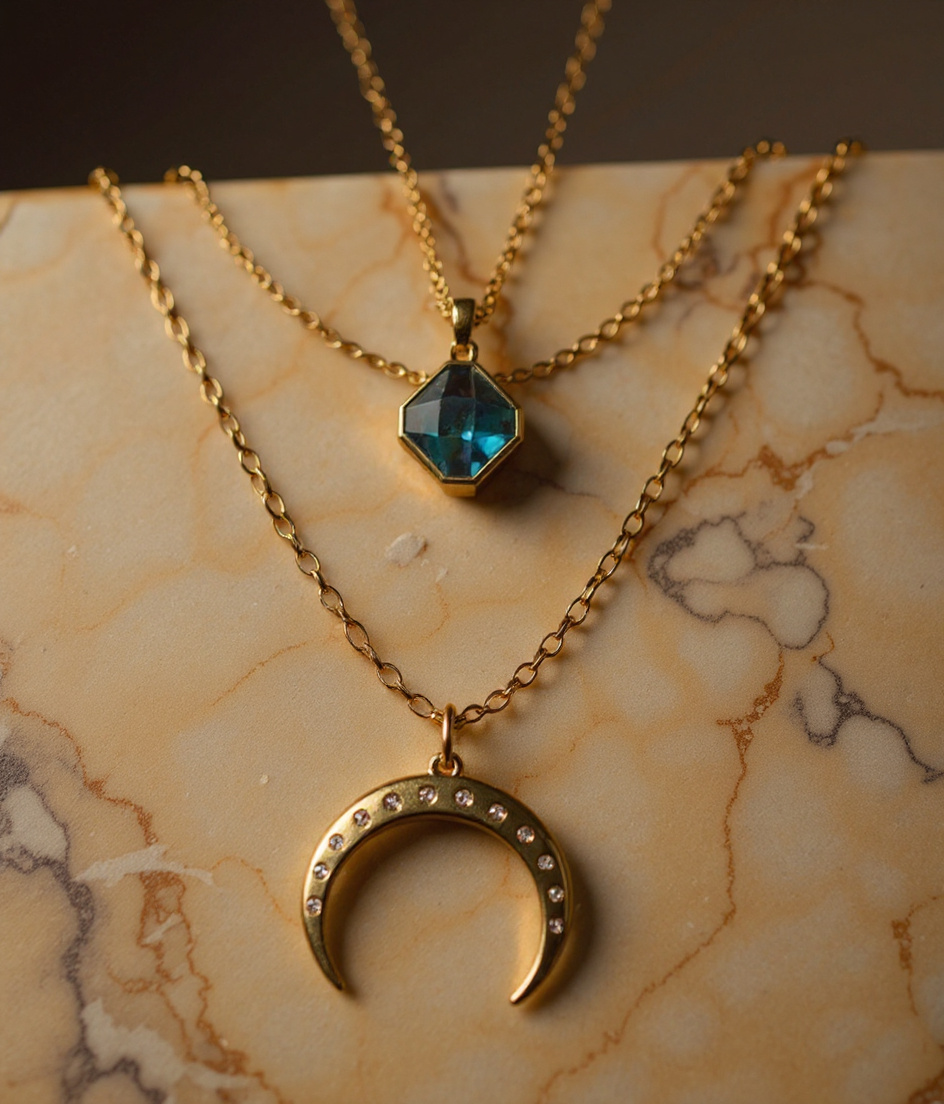
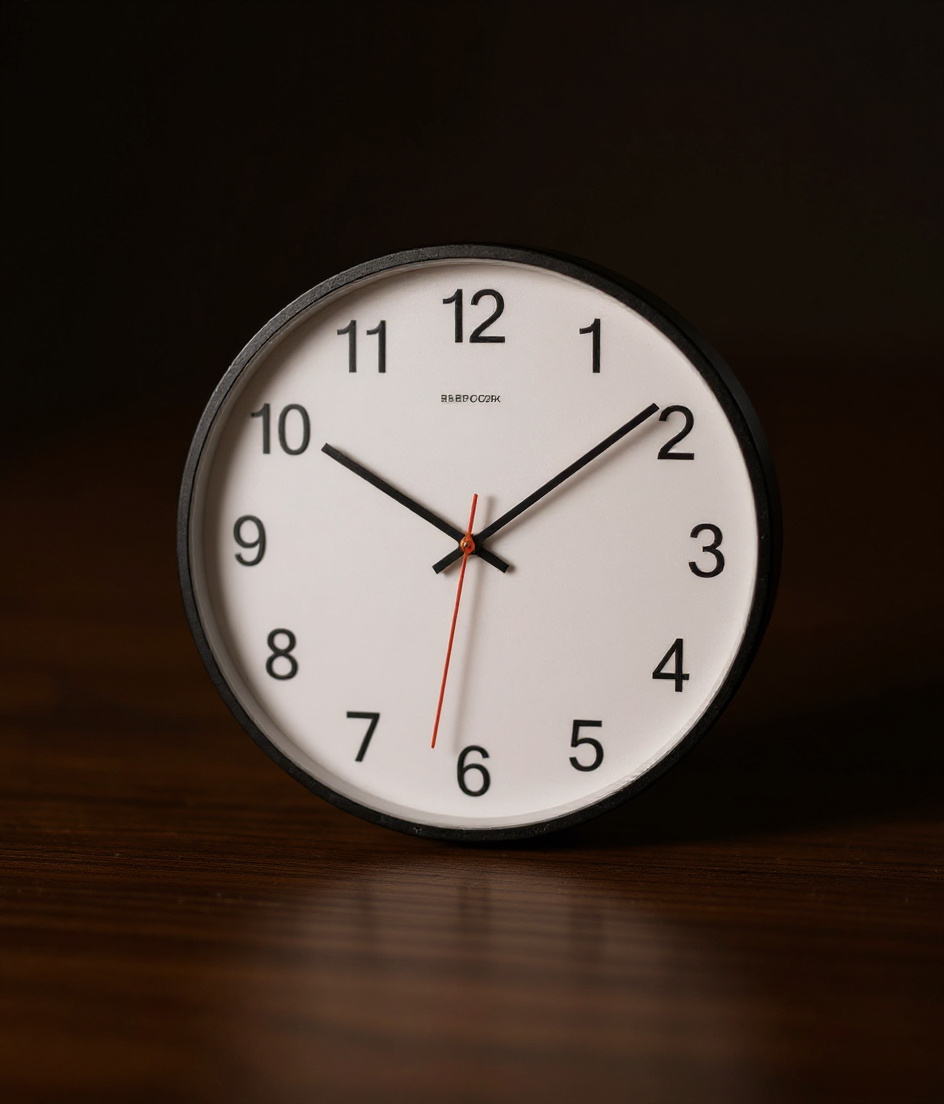
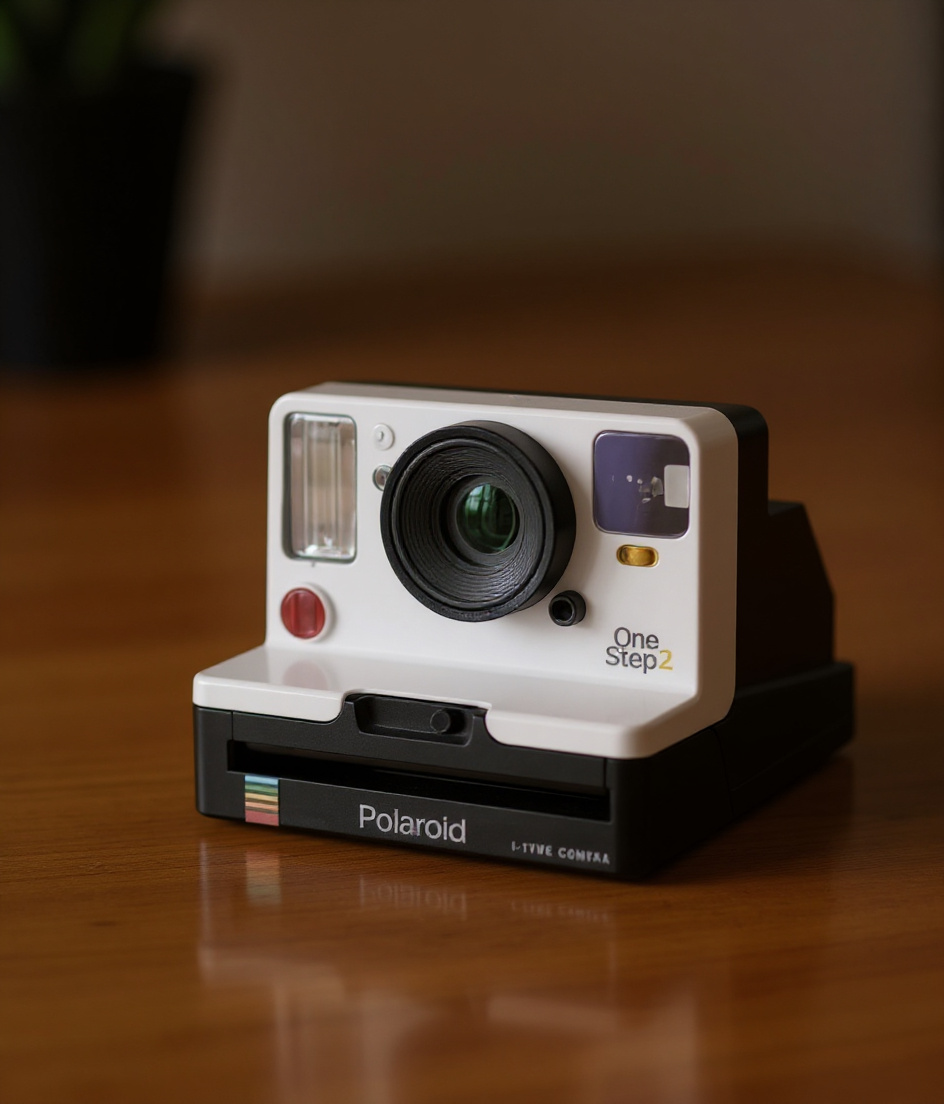
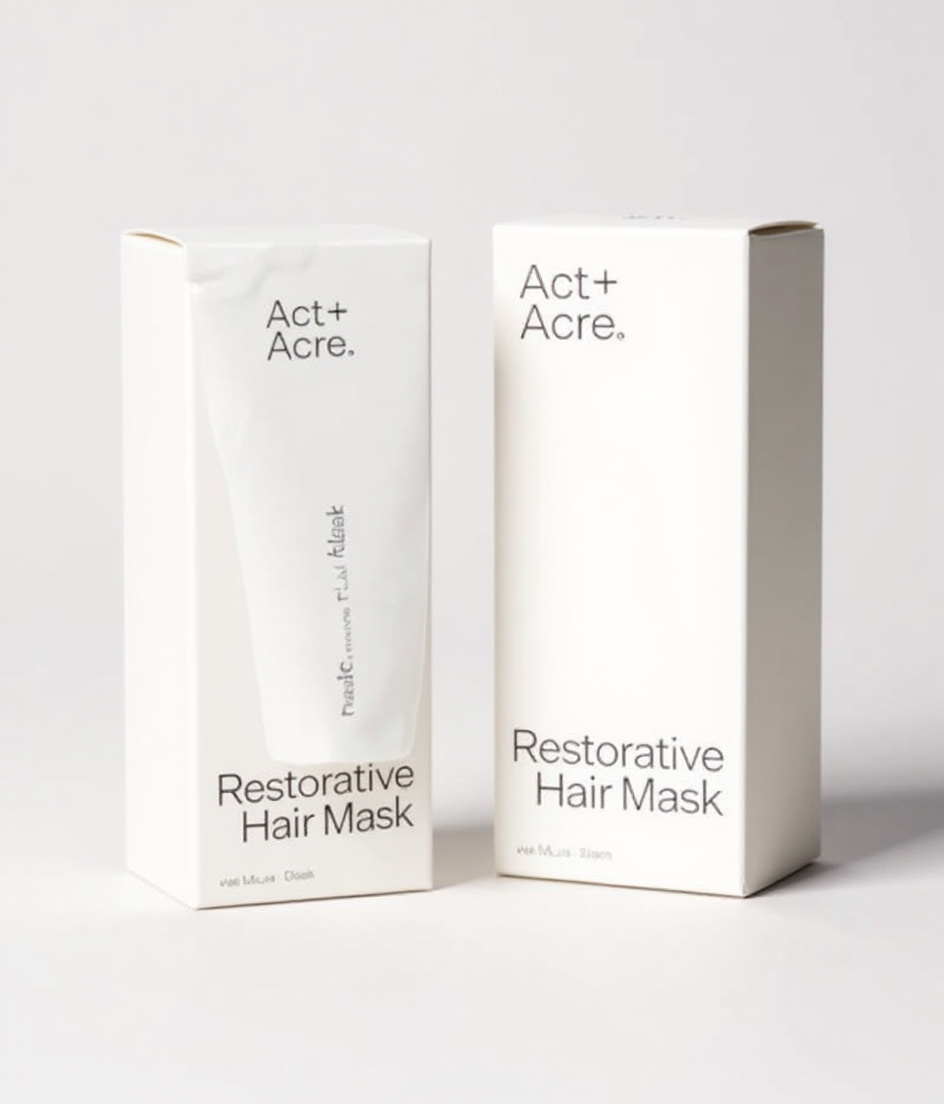
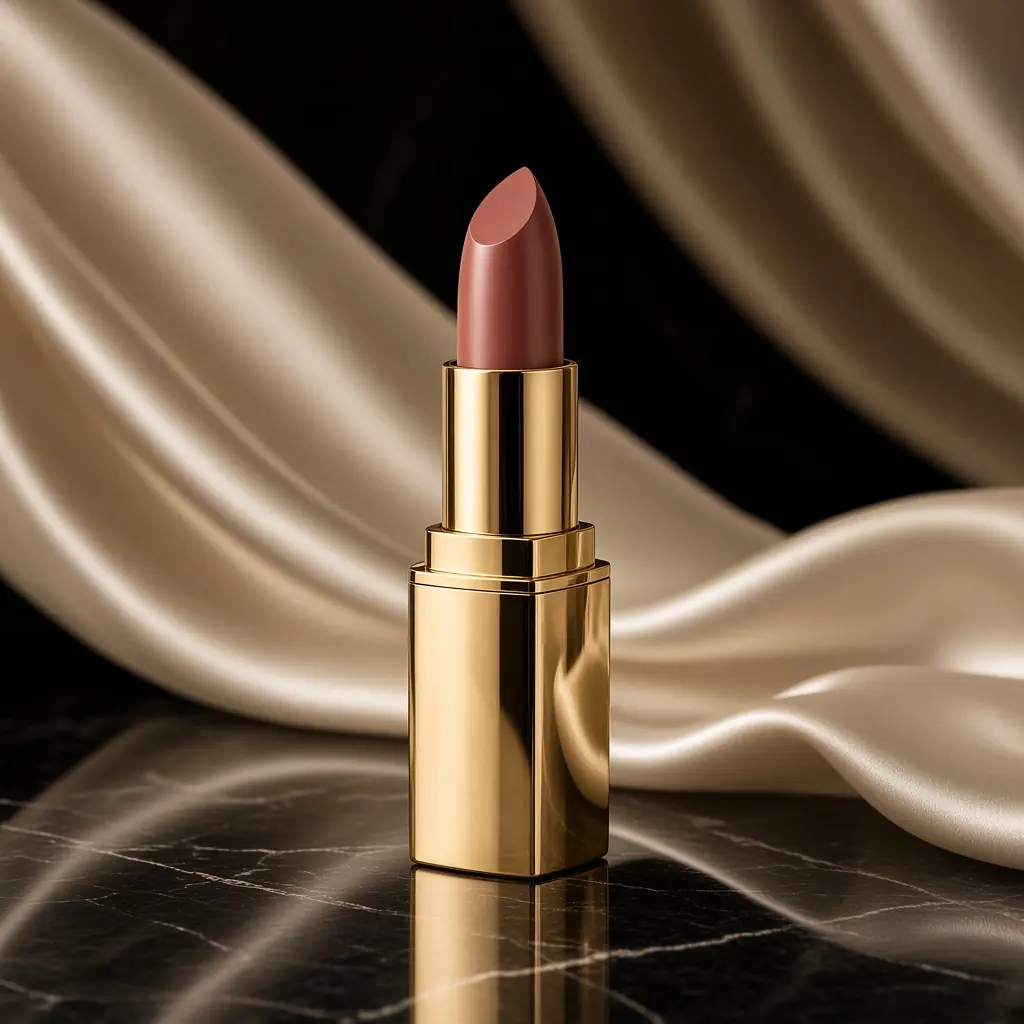
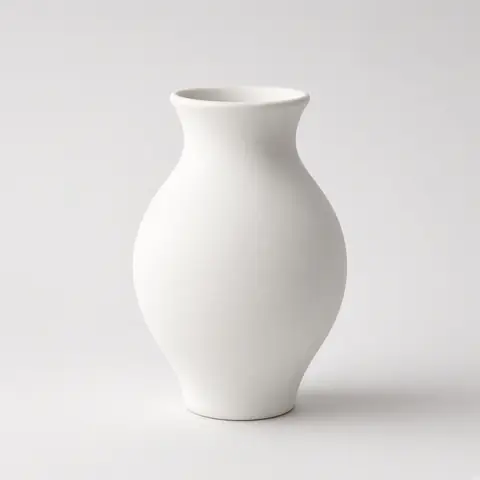
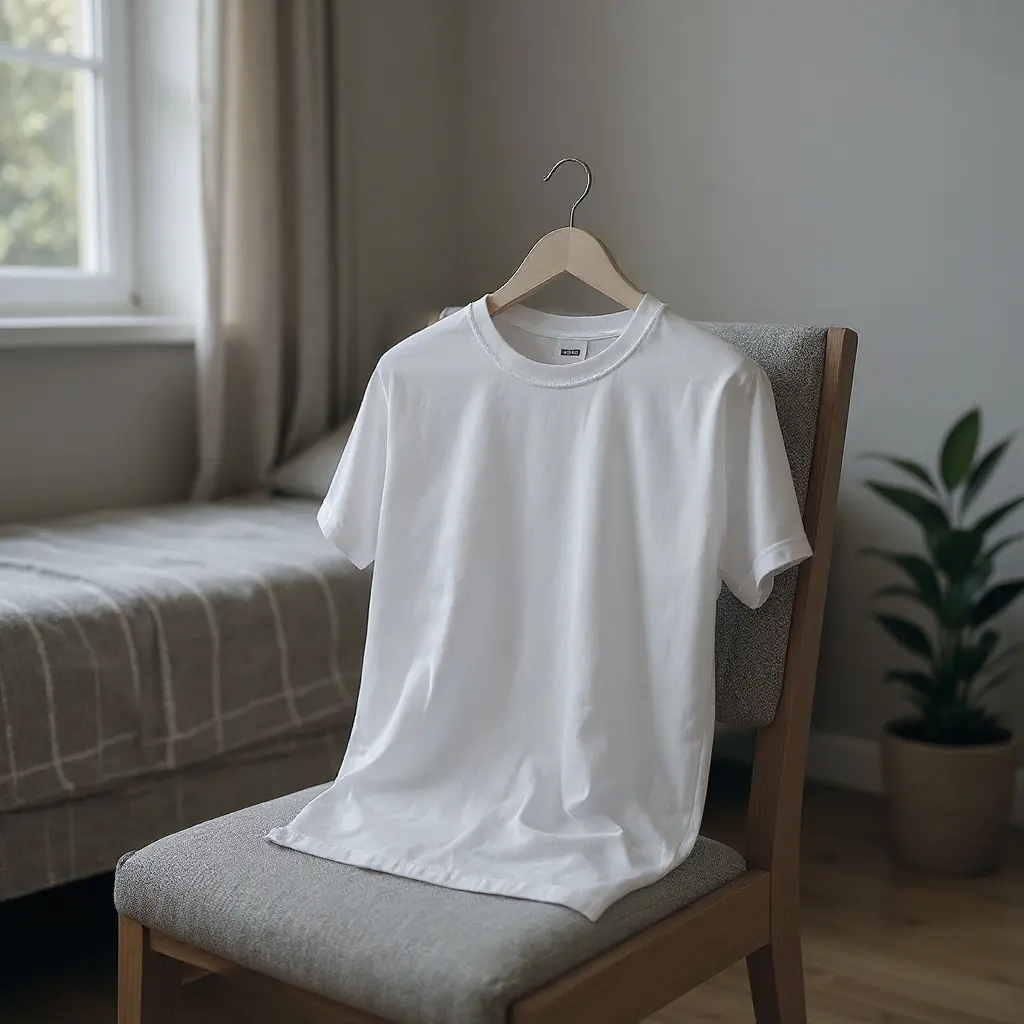
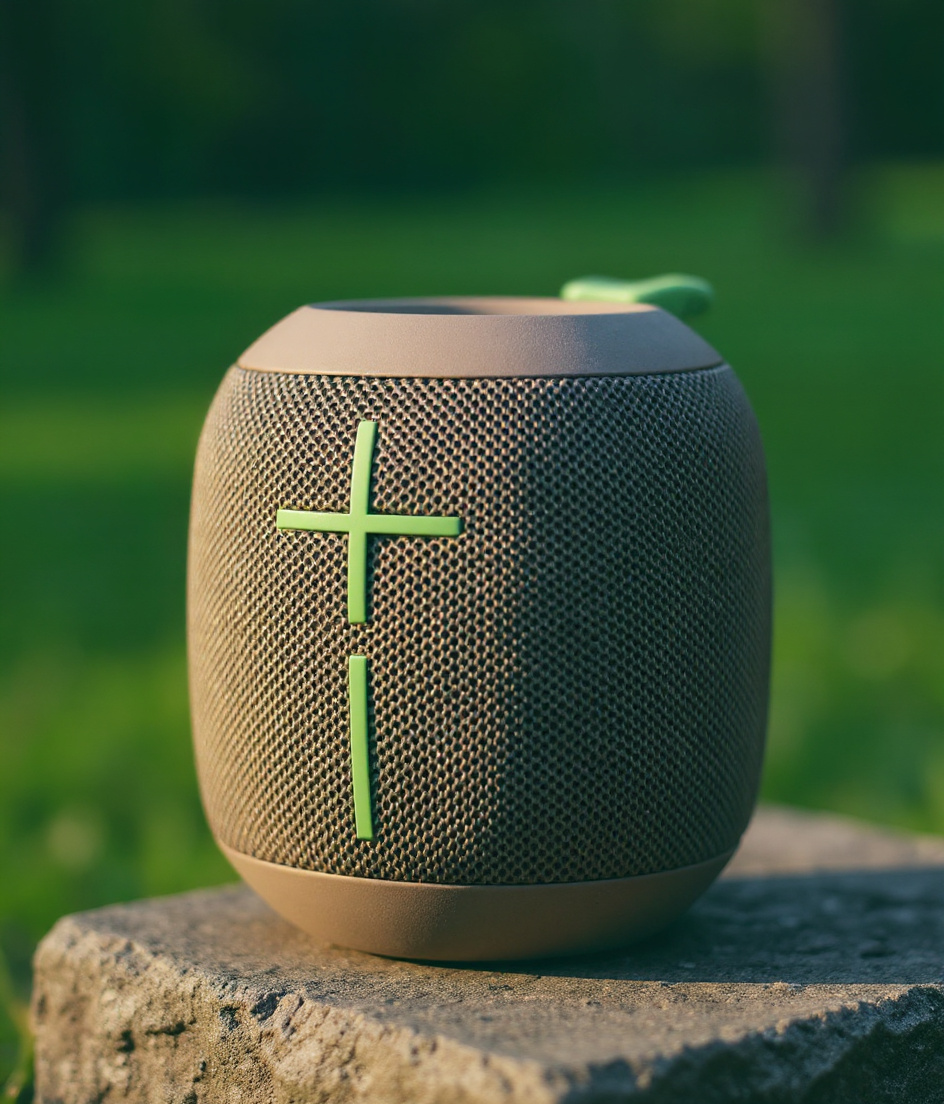
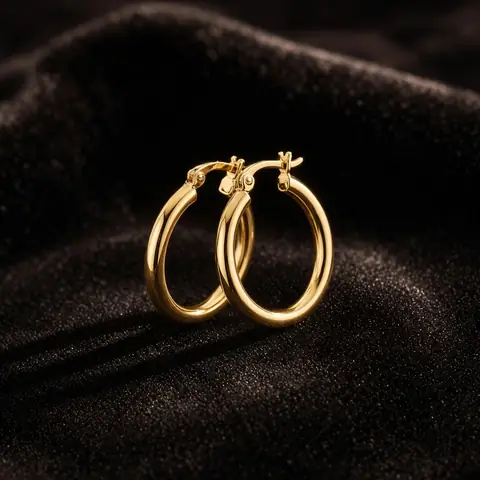
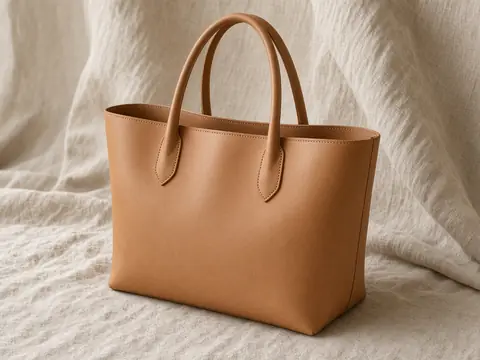
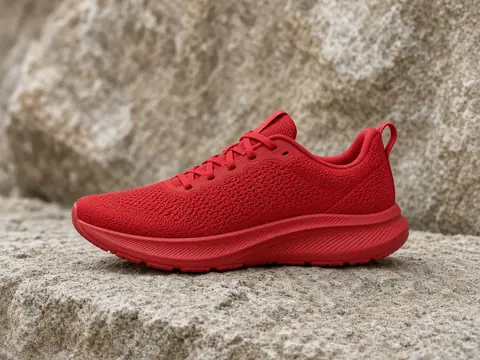
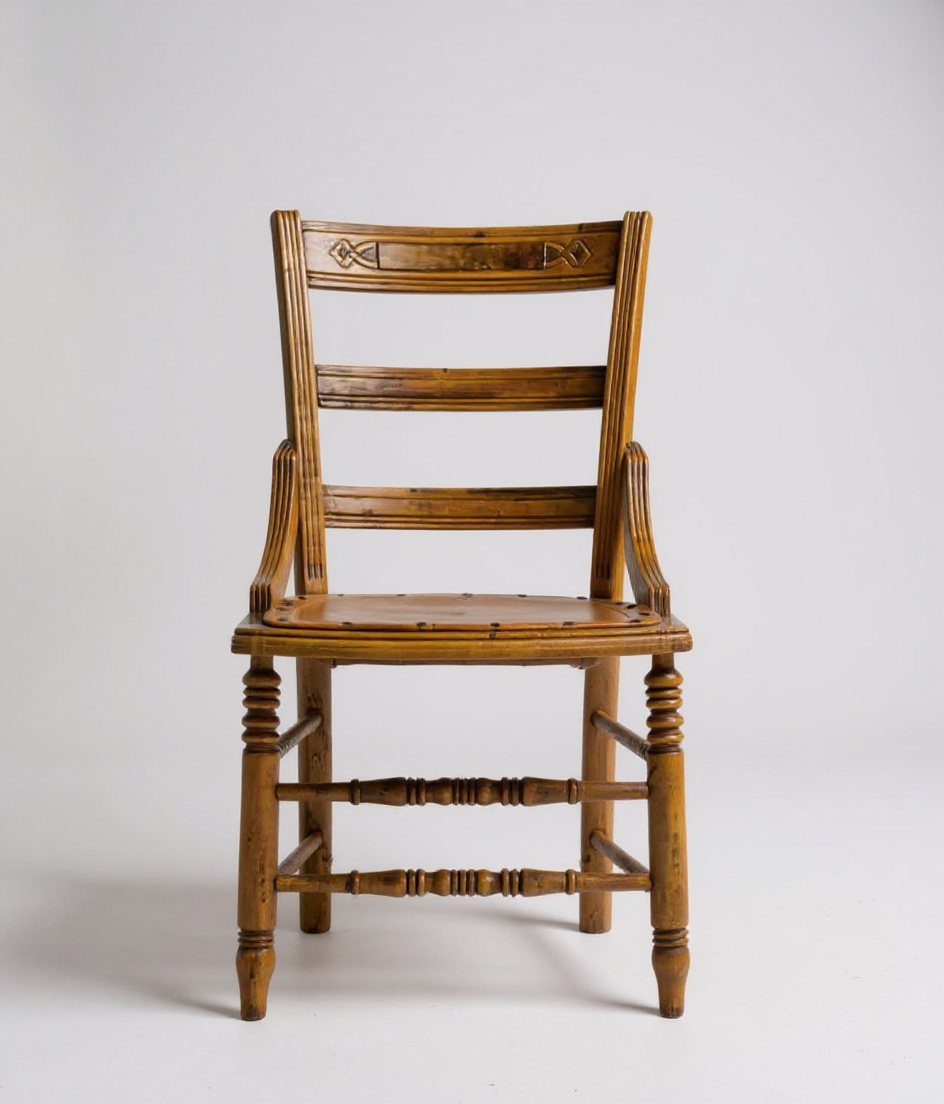
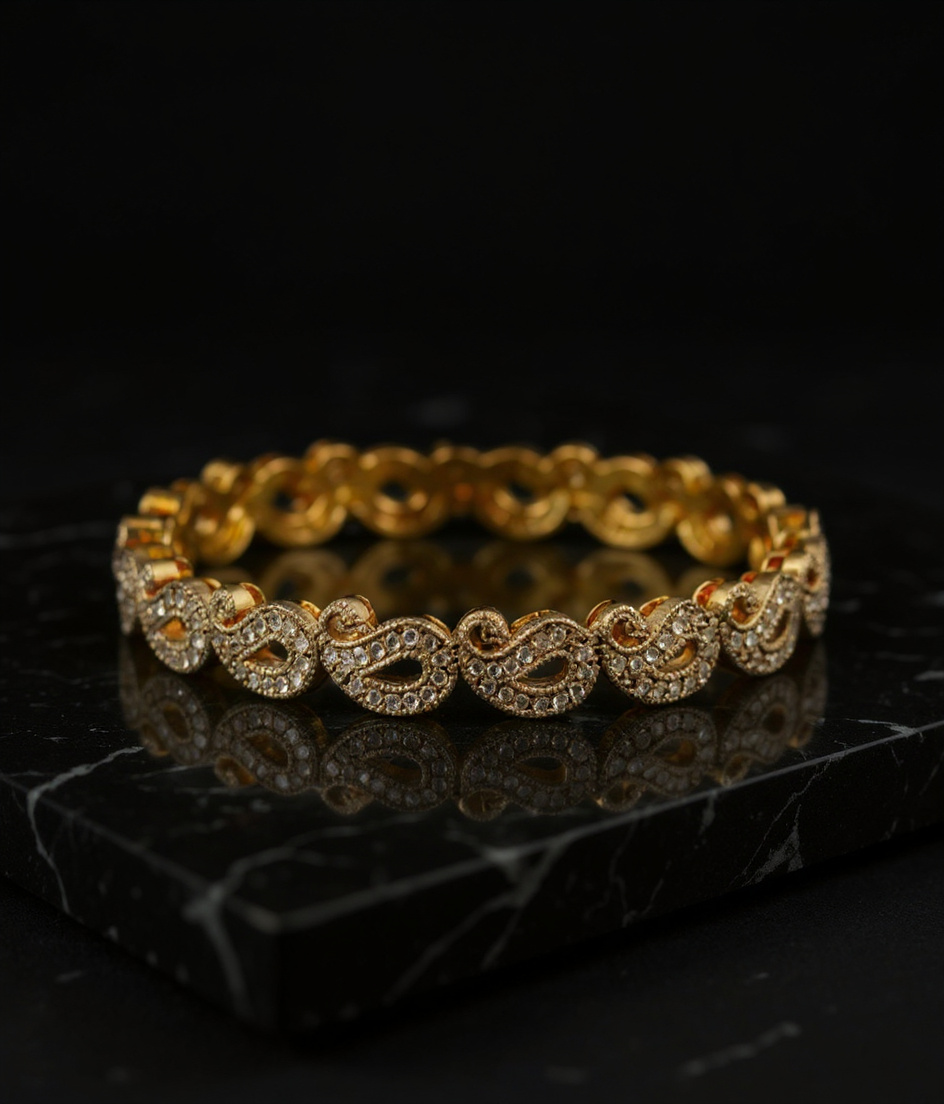
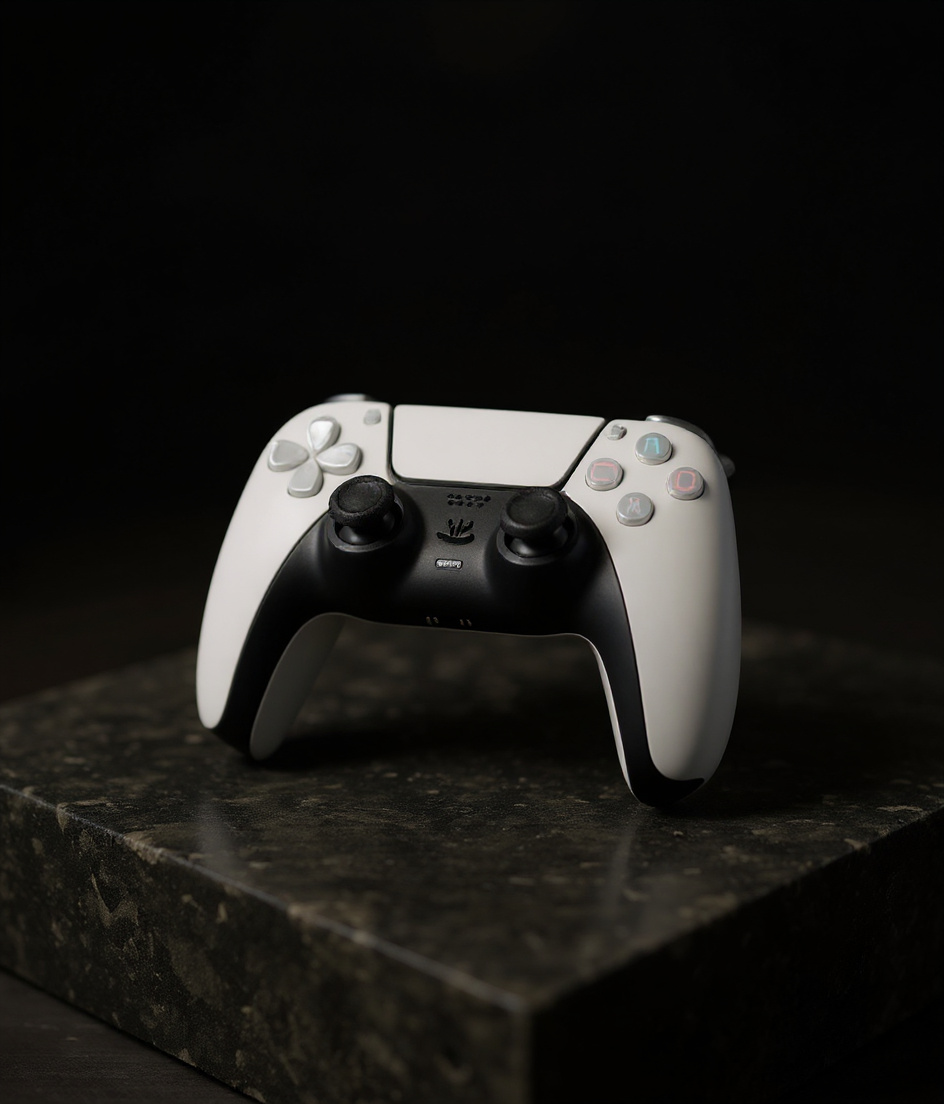
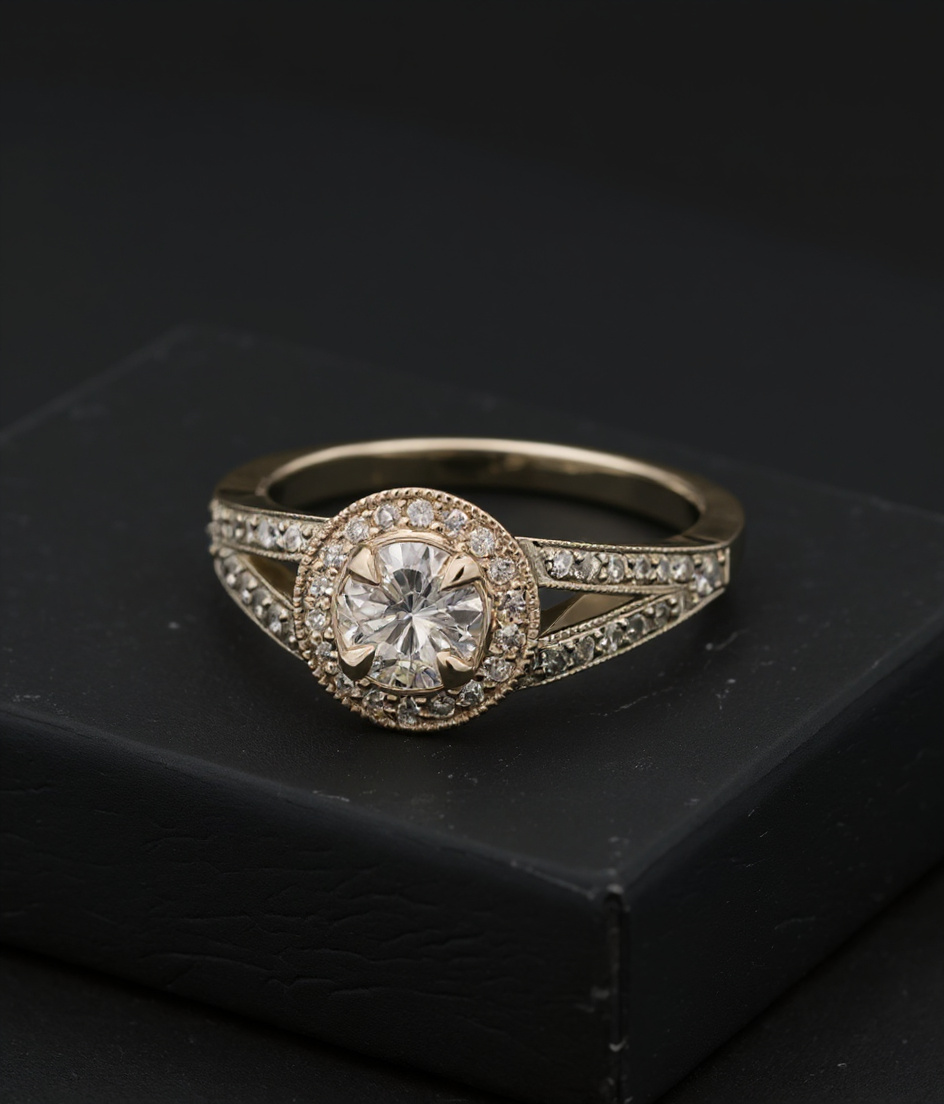
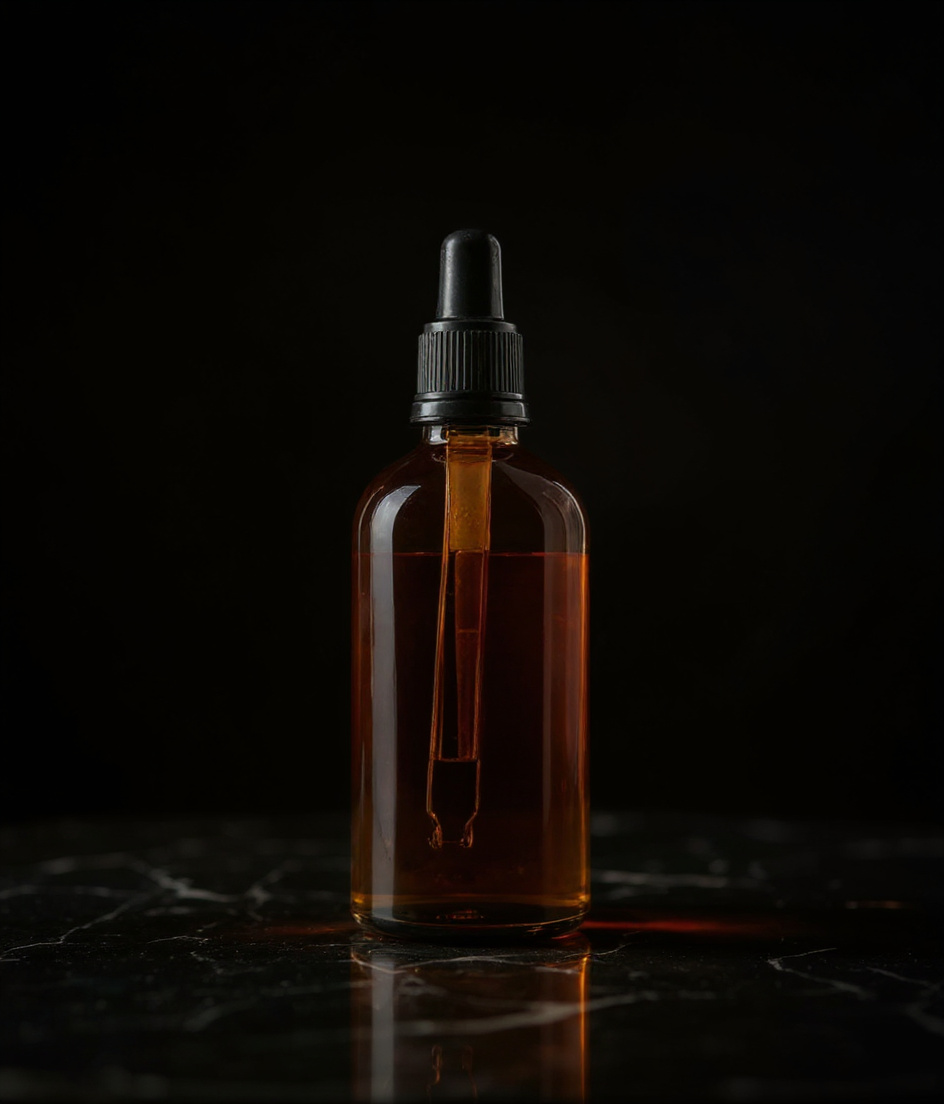
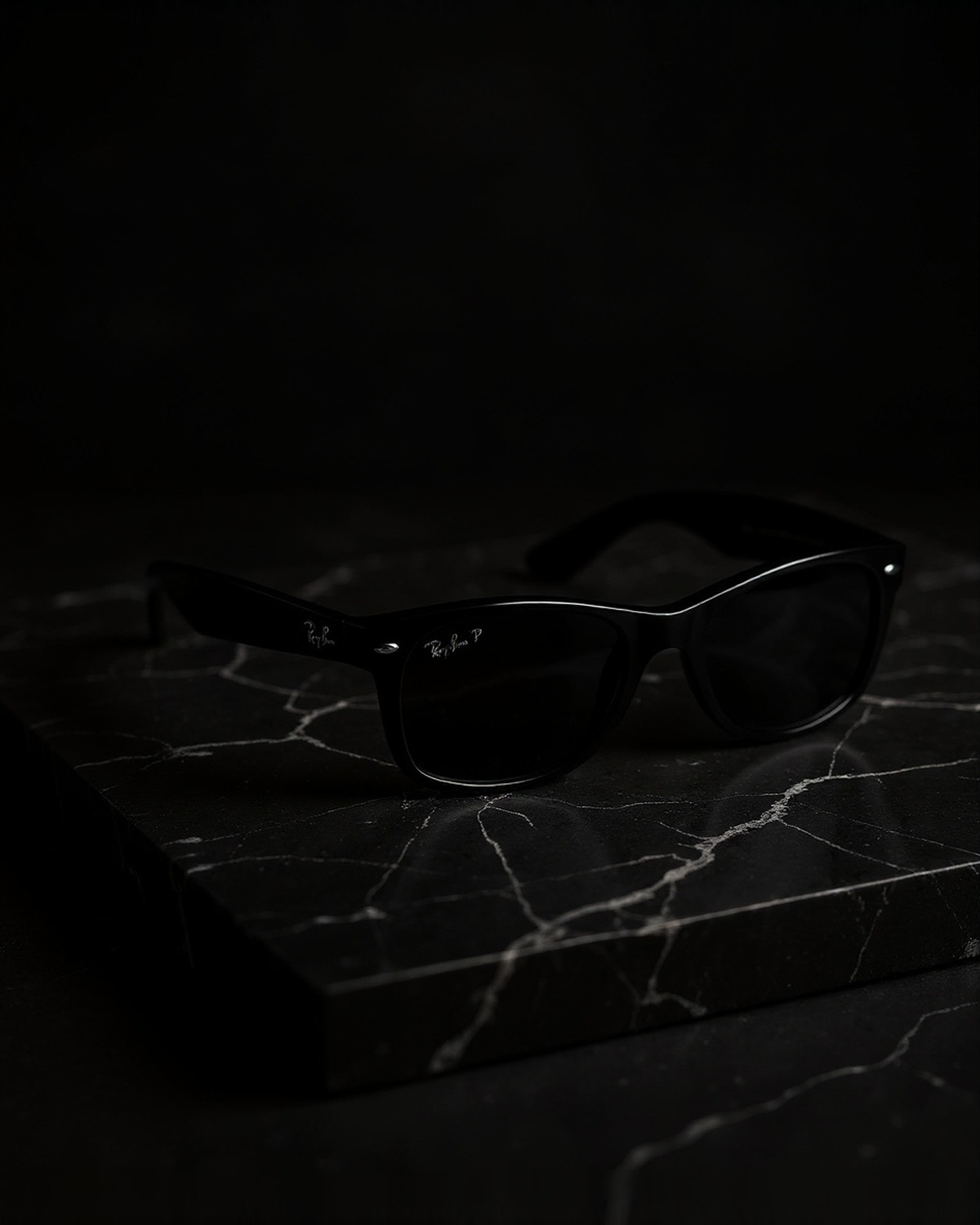
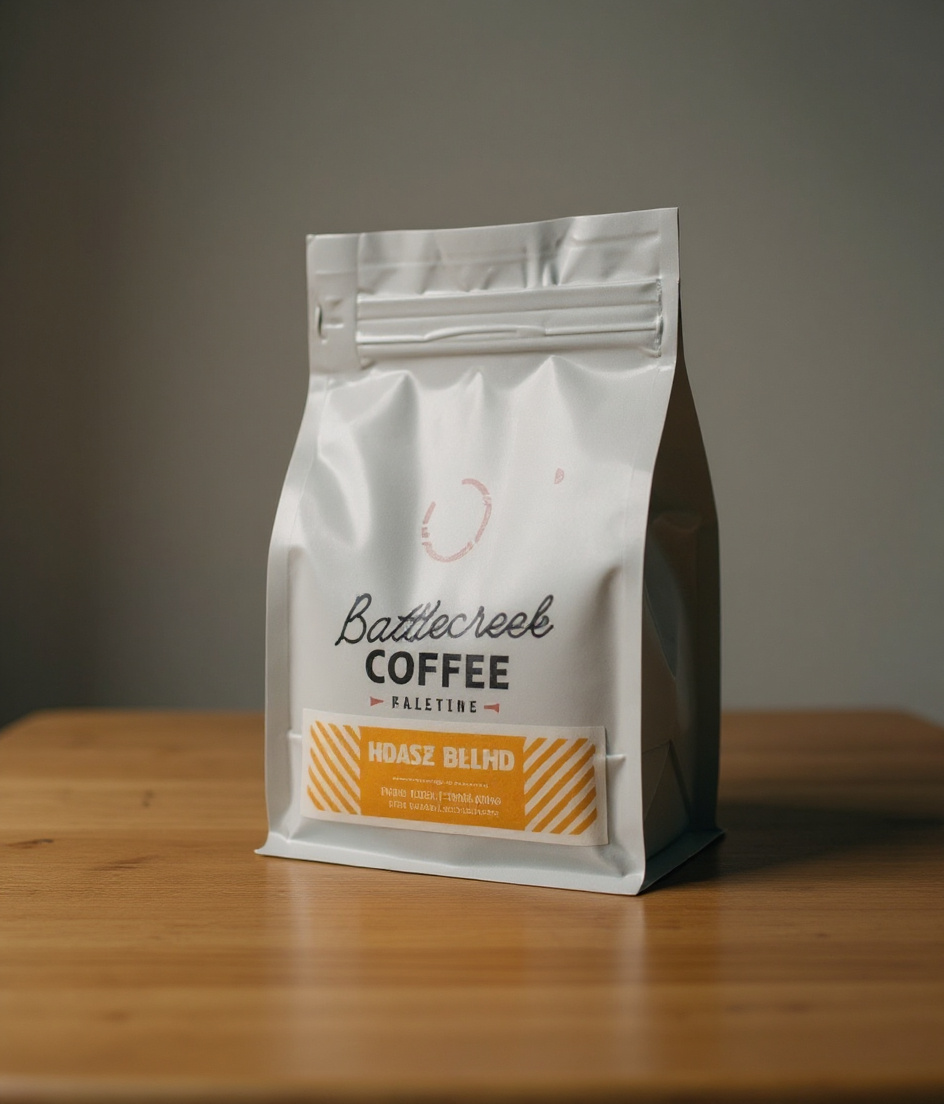
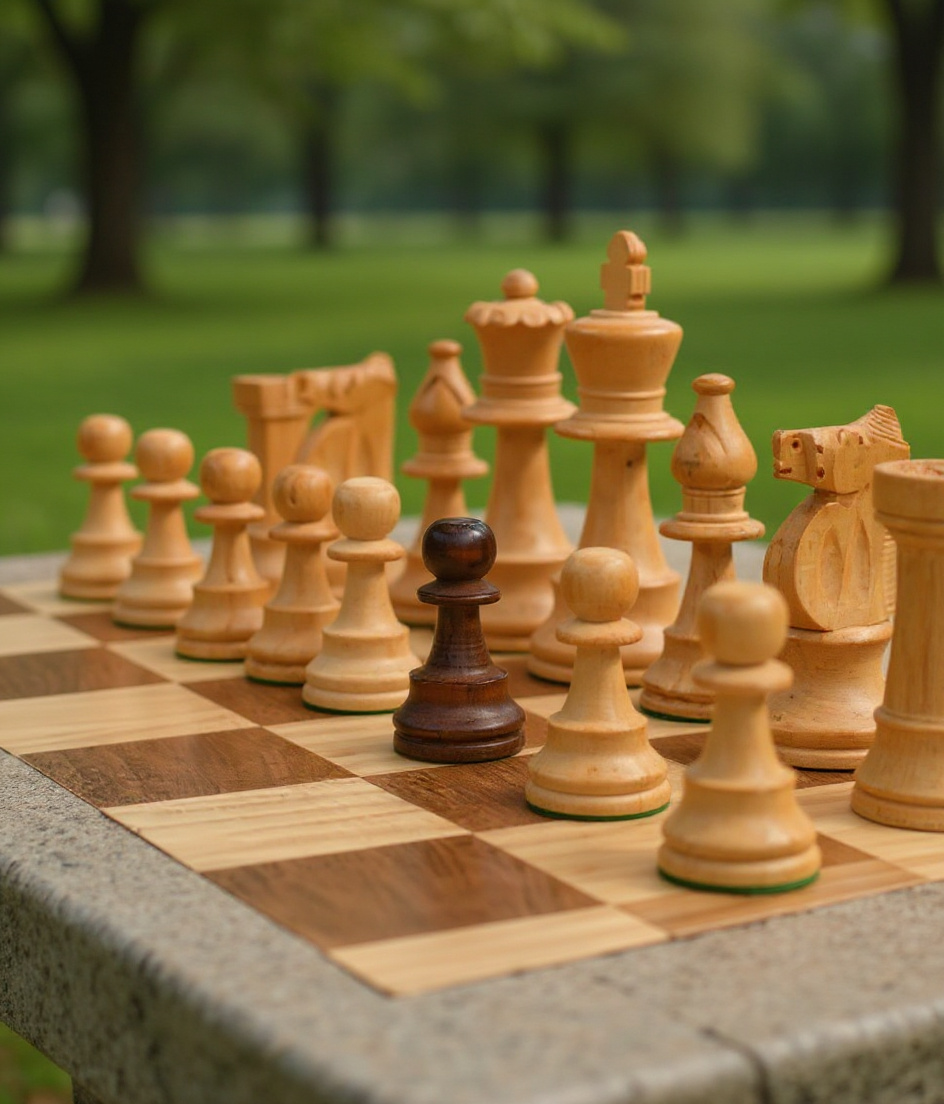
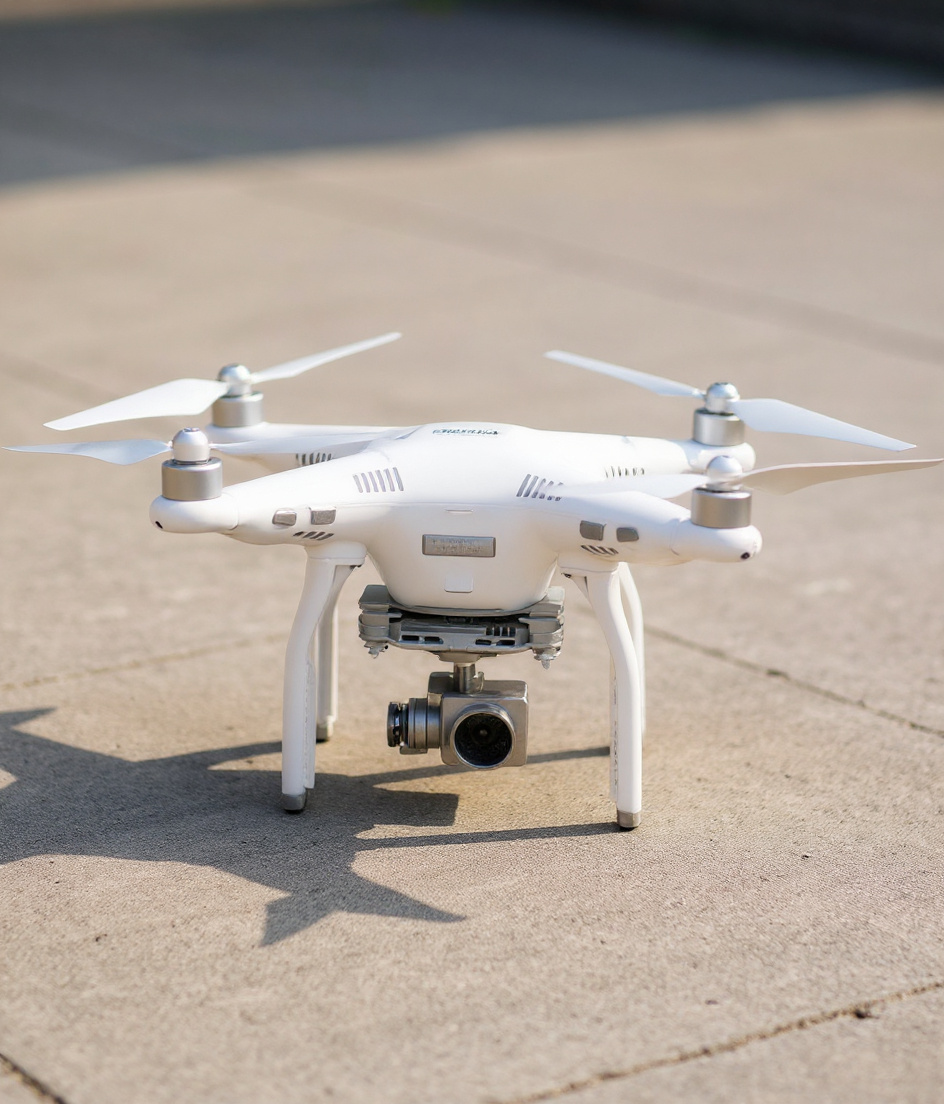
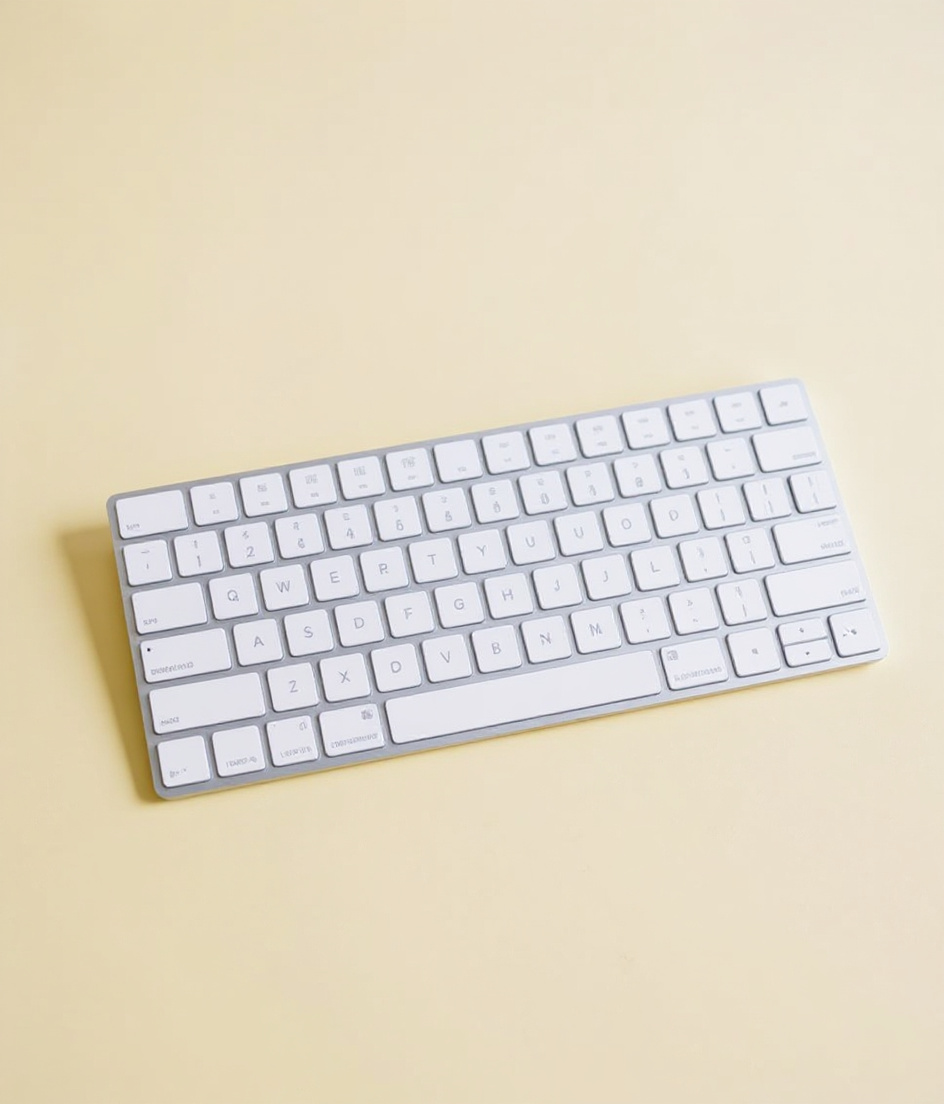
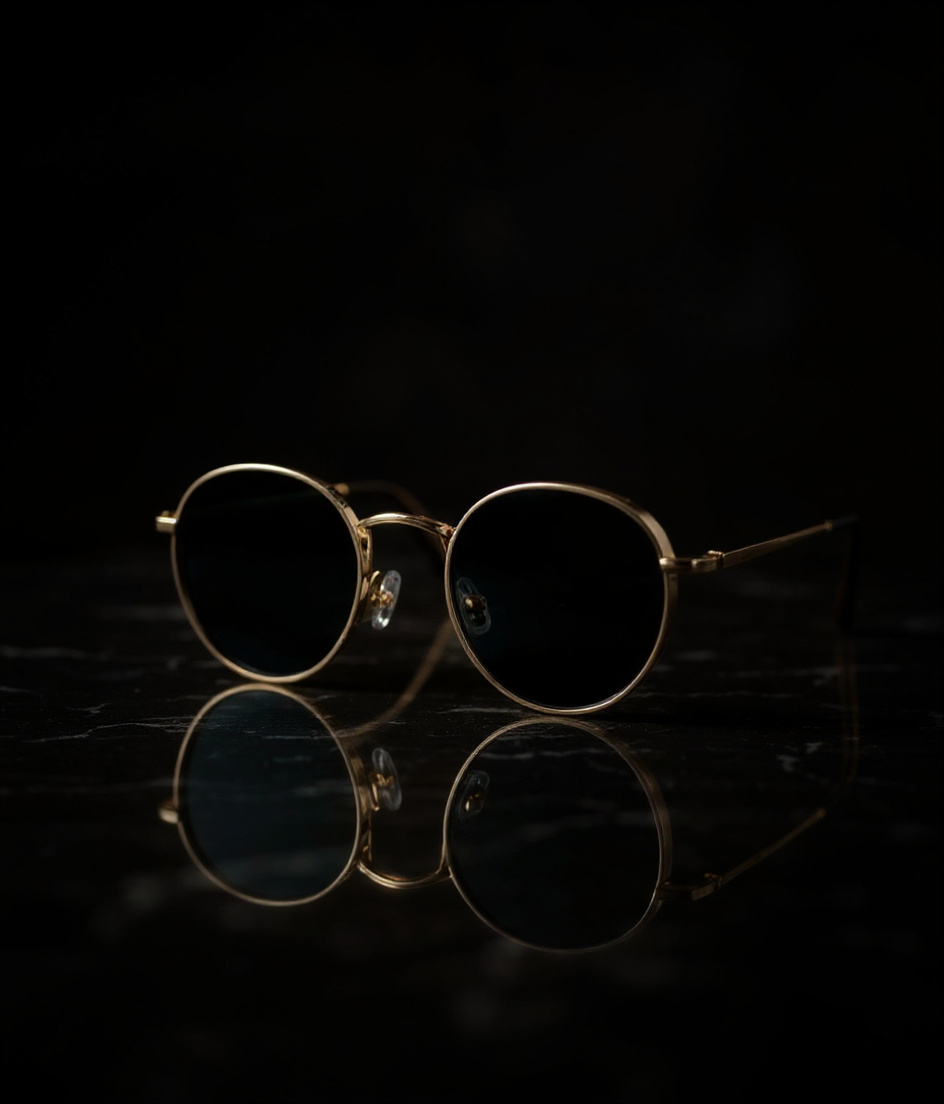
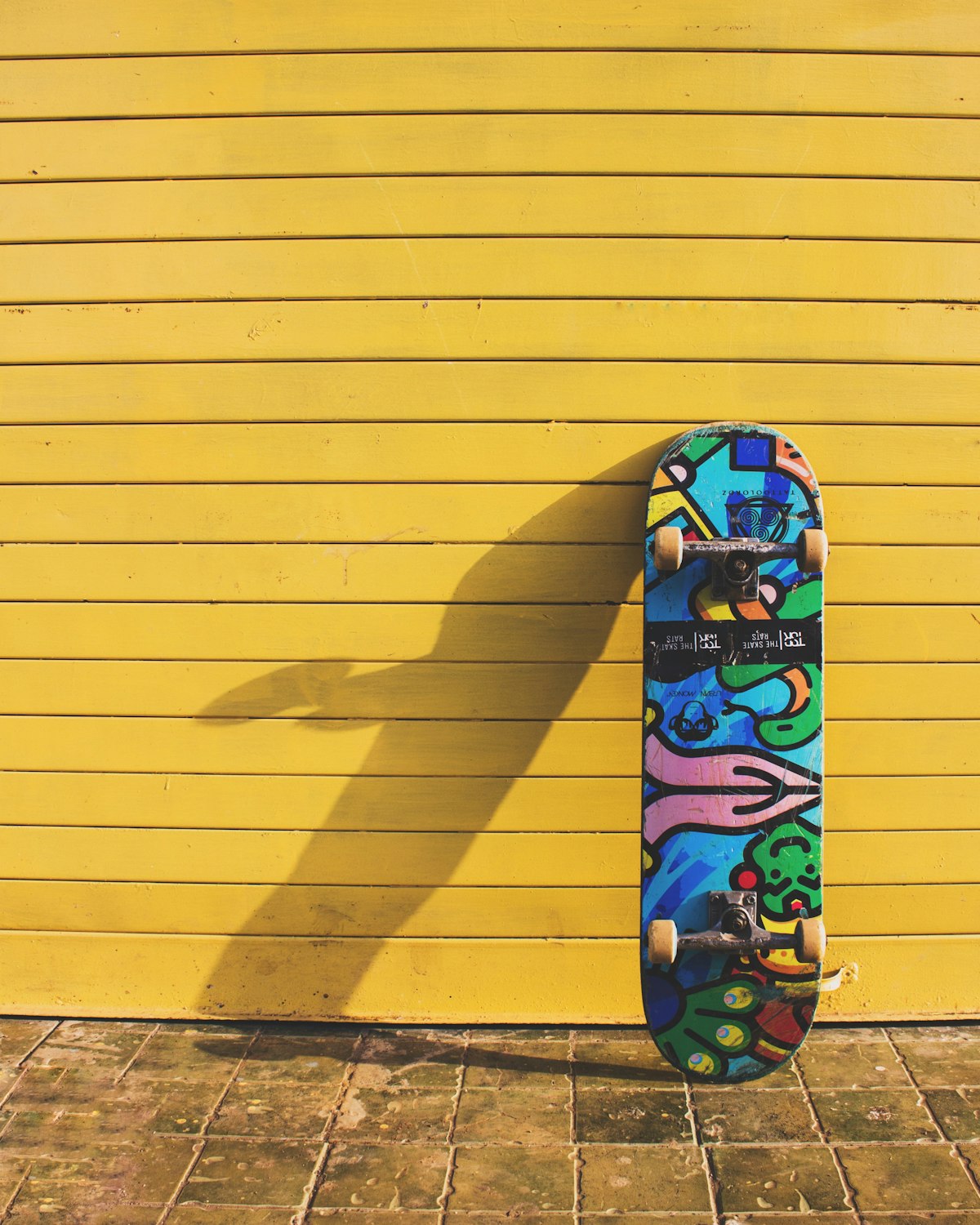
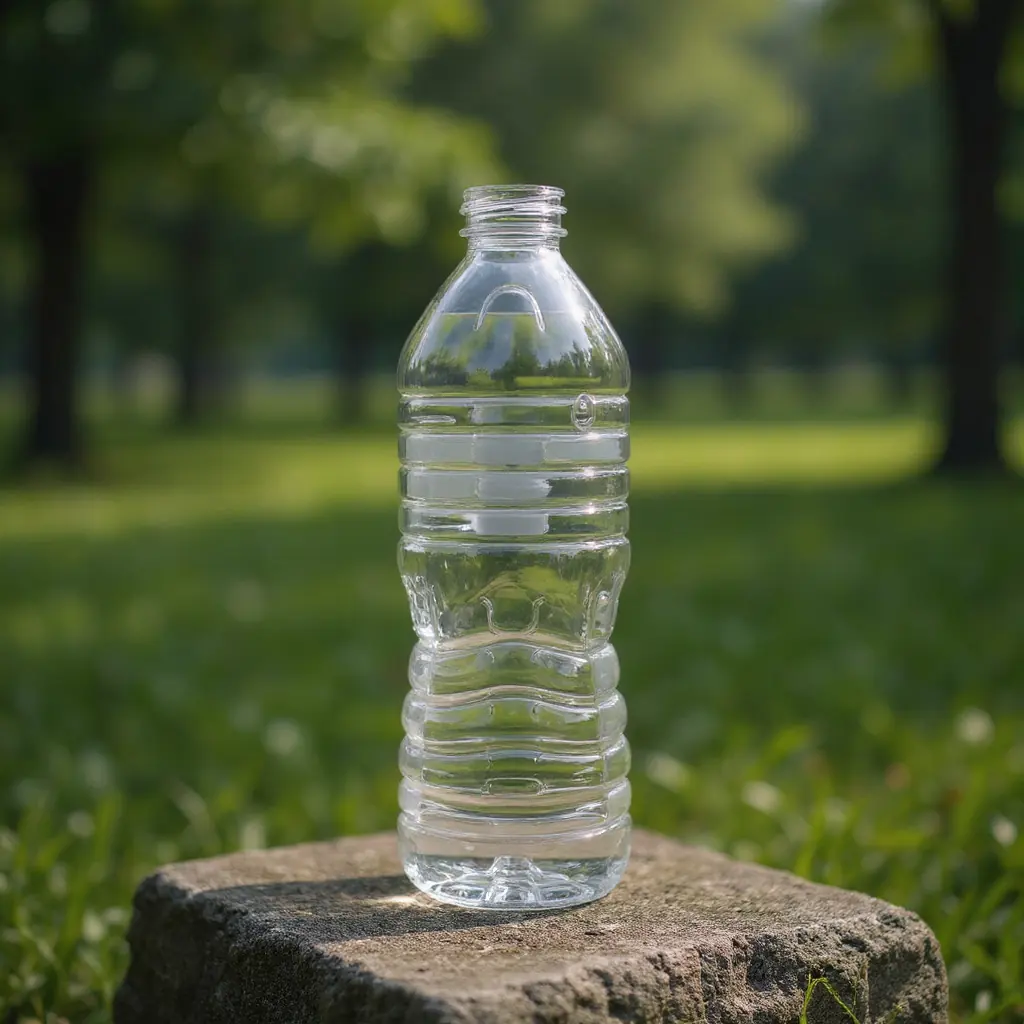
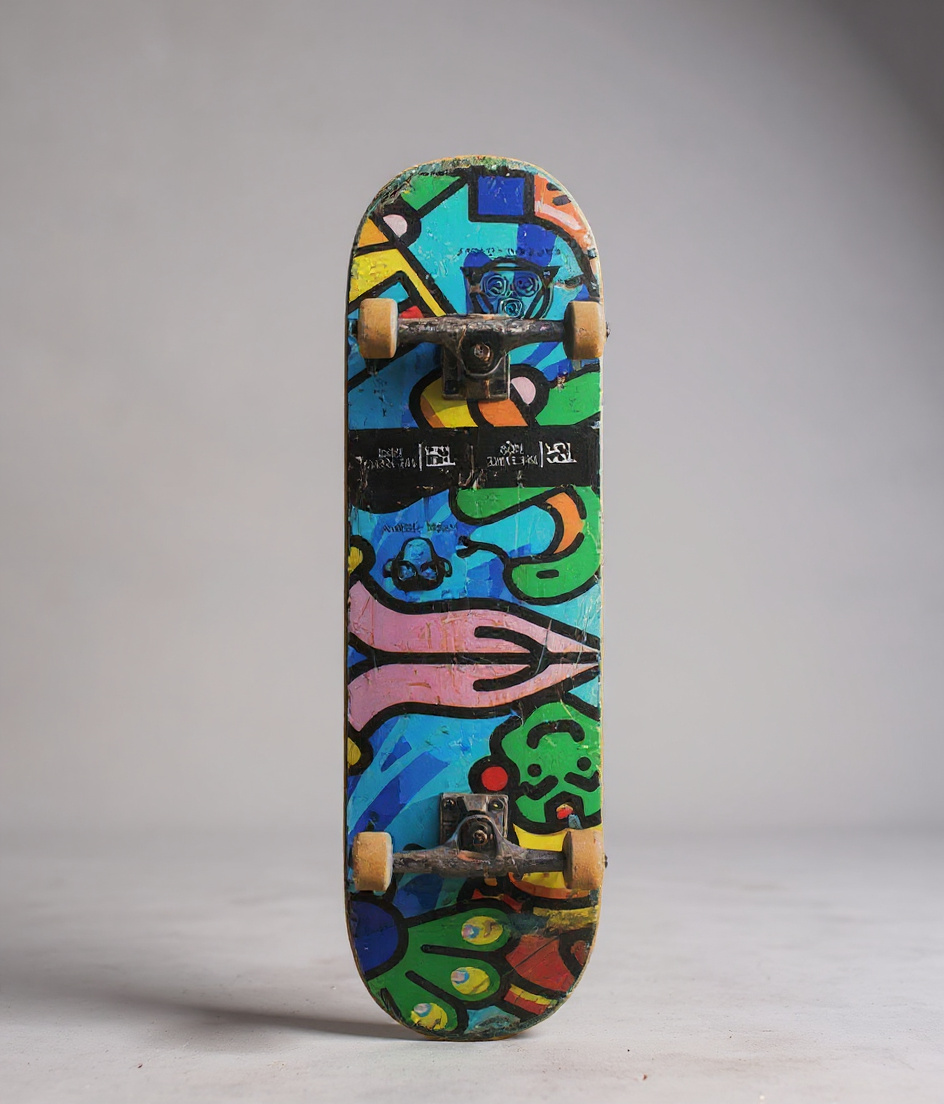
A few of the stills. Dark marble, white studio, daylight, wood and a plain listing background.
Create an entire visual library from a single product image.
01
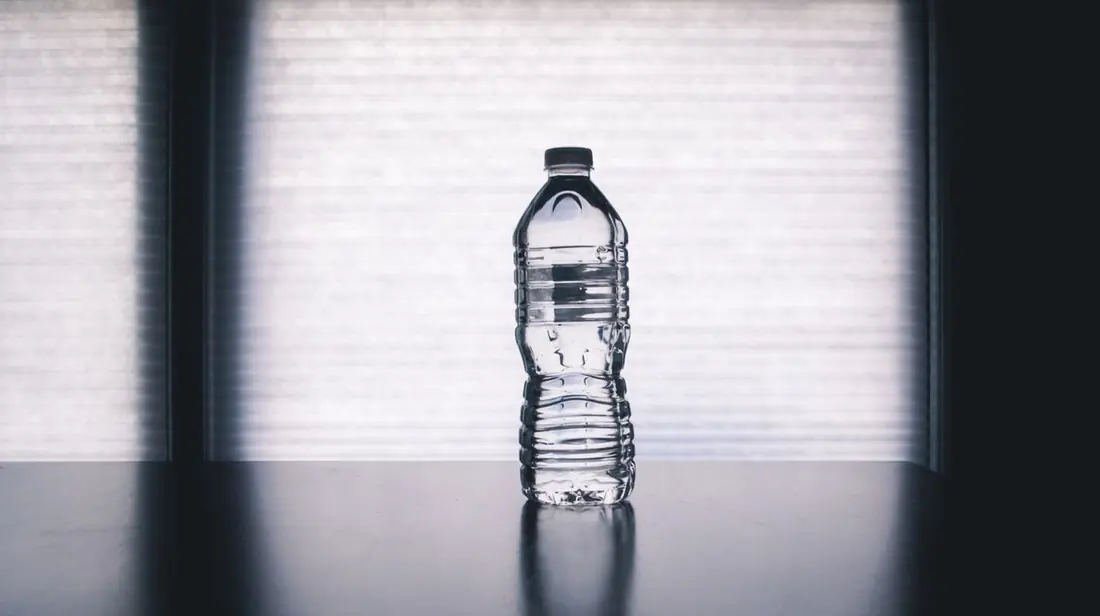
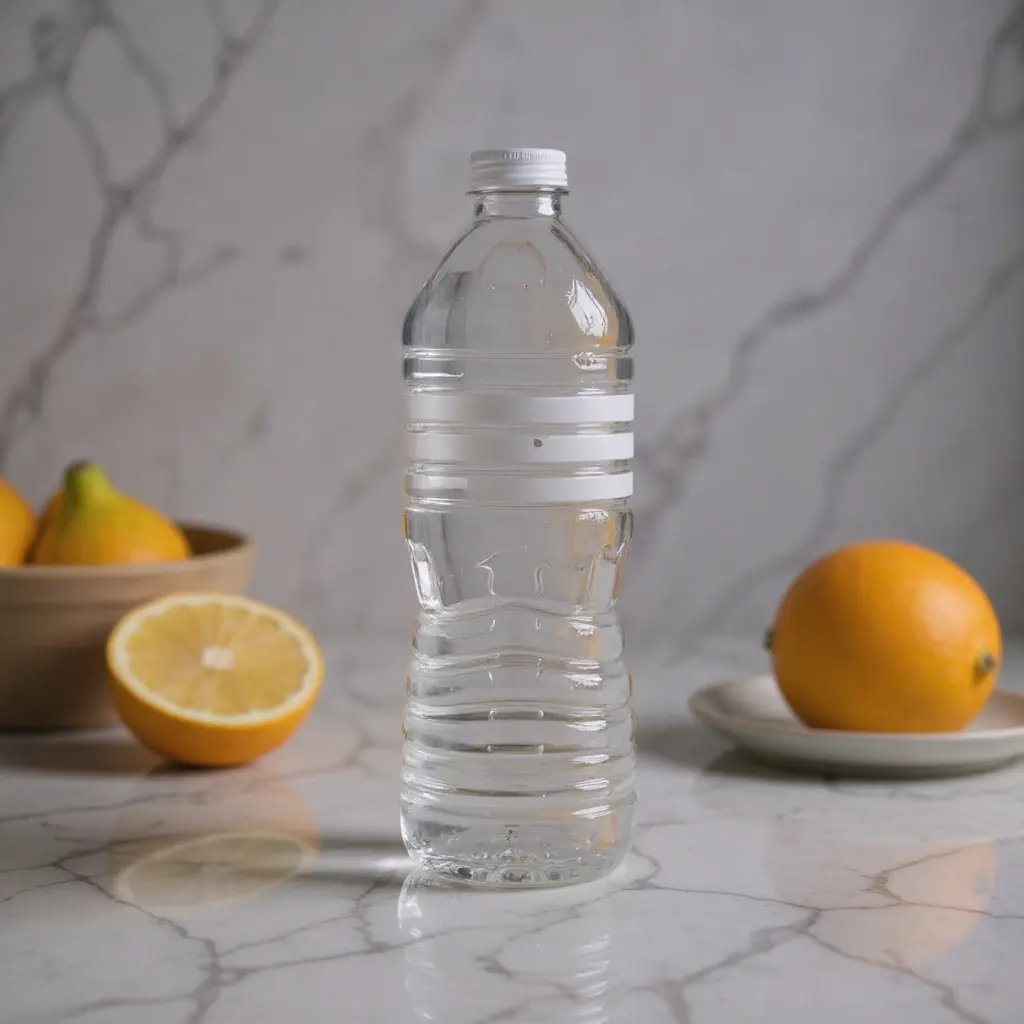
Start with a single product photo.
Example
Pale seamless gray, soft overhead light.
02
Tell DesignStills where you want your product.
03
Get a finished product photograph.
Try it before you sign up
Generate a studio still
This is a sample. Pick one of these photos and generate the still. You can't upload your own product here. Create an account to use yours.
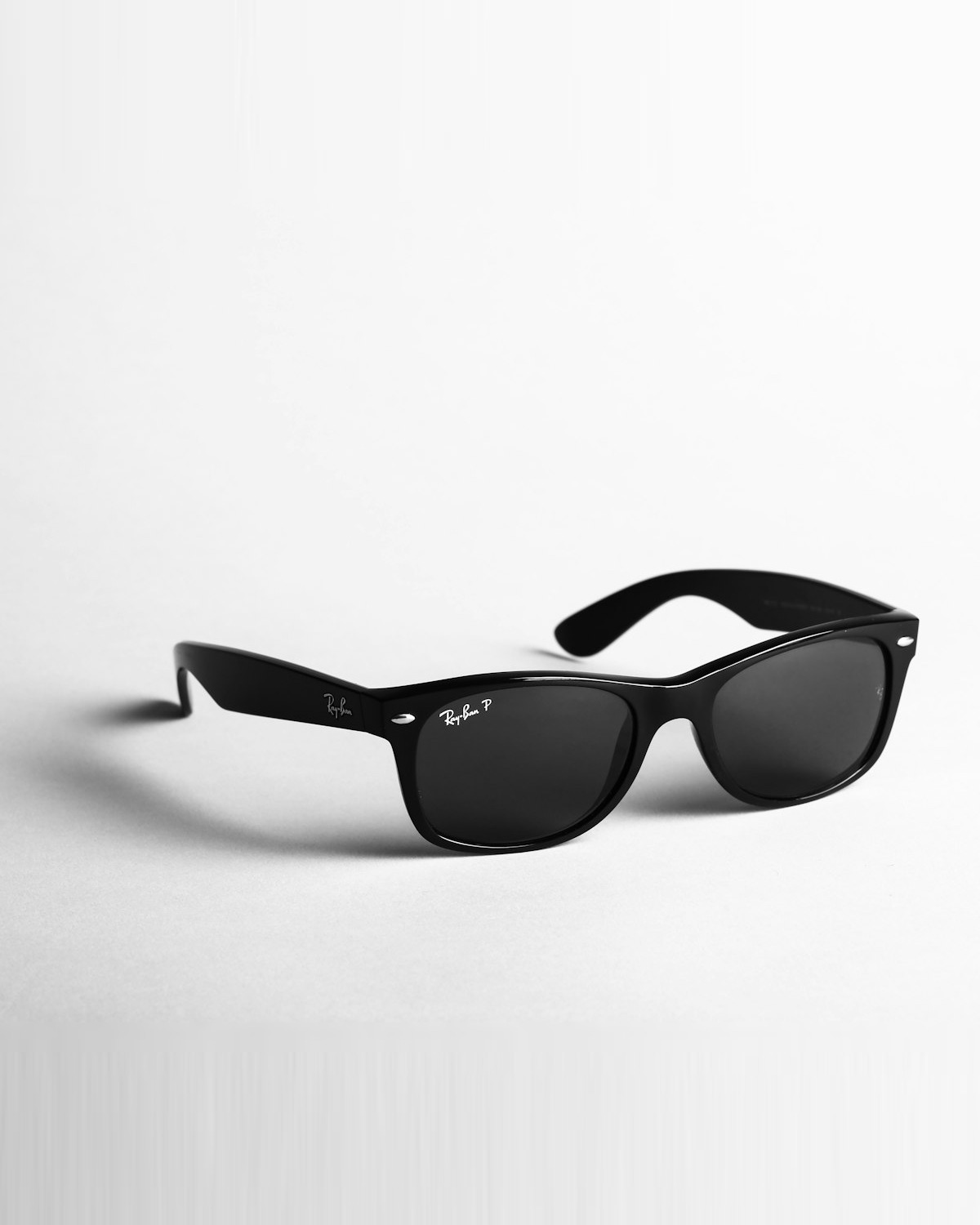
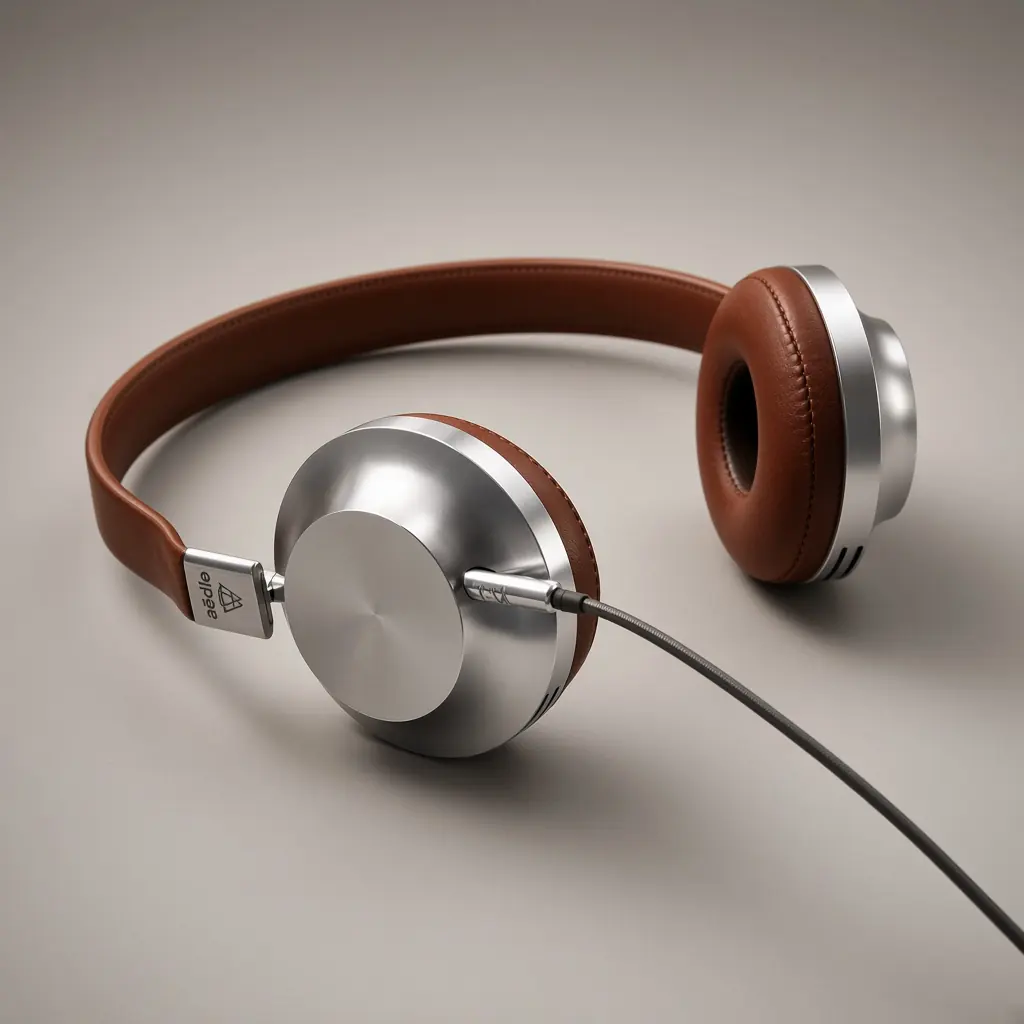
Clean commercial shots with controlled light and a focused product.
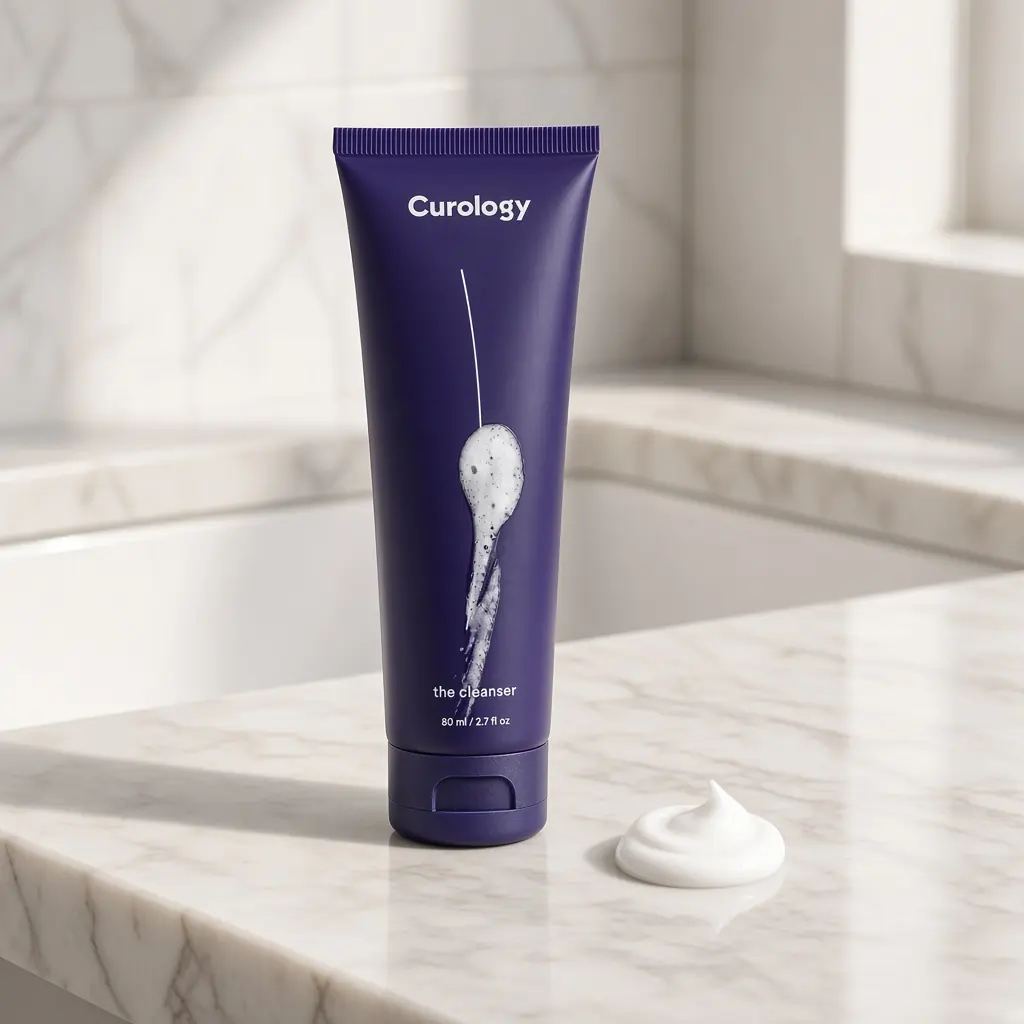
Place the same product into kitchens, bathrooms, desks and streets.
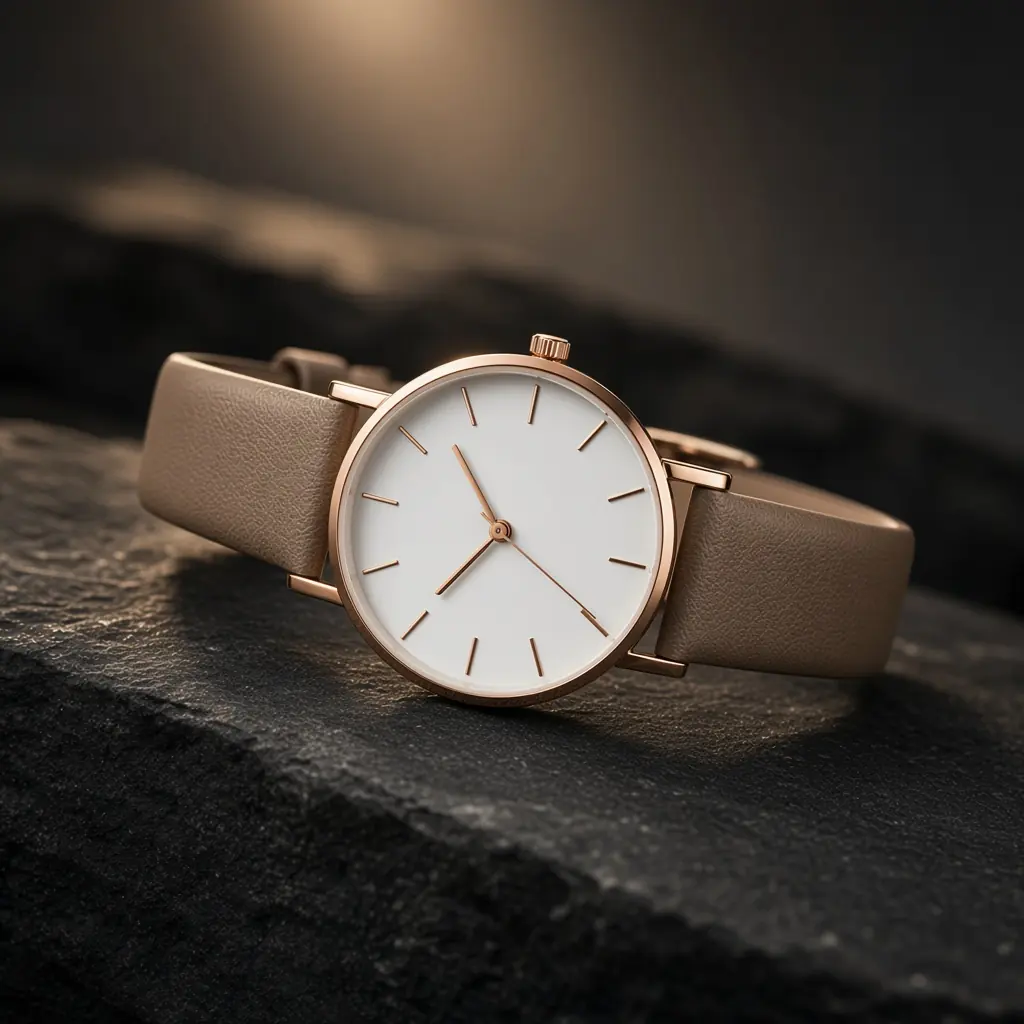
Marble, velvet, metal and low light — without booking a set.
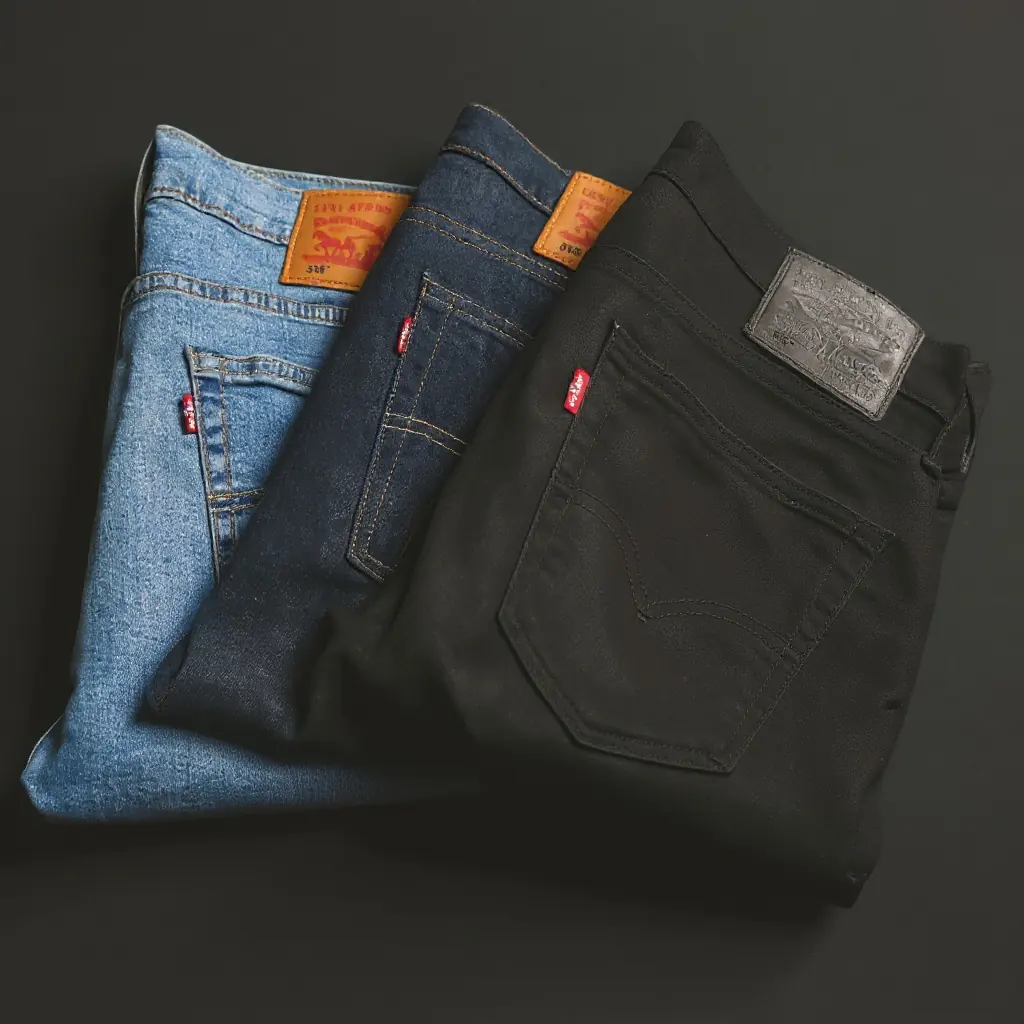
Keep the product. Change the world around it in one generation.
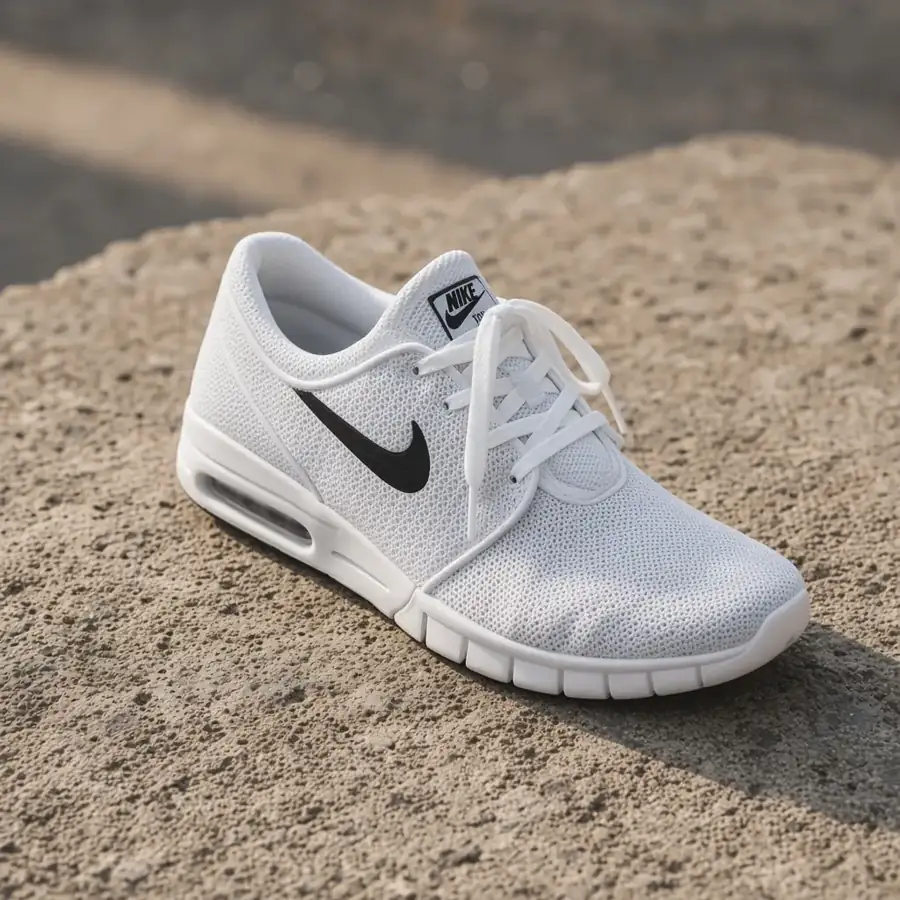
Soft daylight, hard studio, golden hour or neon — as a preset.
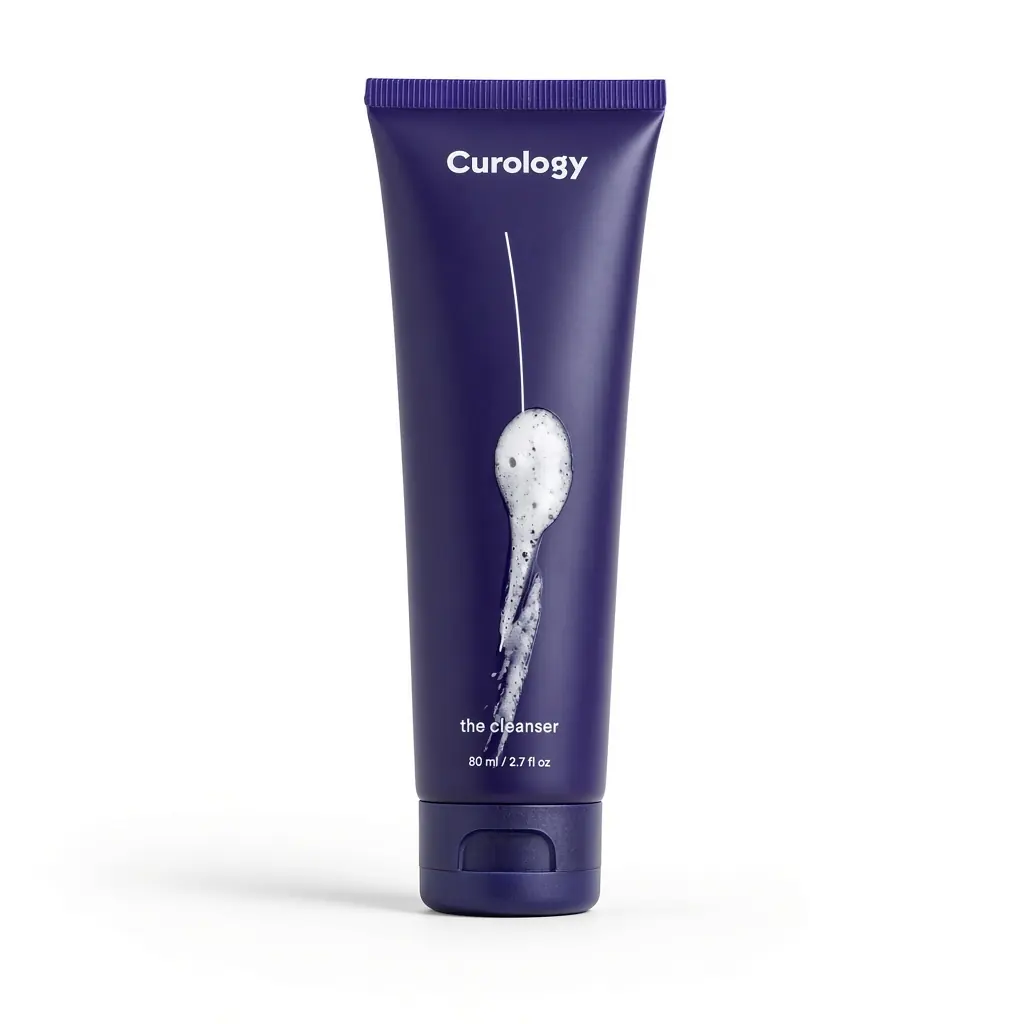
White, ghost and packshot frames sized for store listings.
One credit is one image. Higher plans include more images a month.
Starter
10 images a month
Try For FreeLite
25 images a month
Try For FreeStudio
75 images a month
Try For FreeCatalog
225 images a month
Try For FreeOne credit is one finished image. Uploading, previews and failed jobs do not spend a credit. Paid credits renew each month.
PNG, JPG and WEBP. A simple phone photo of the product on a plain surface is enough — the model rebuilds the scene around it.
Yes. Images generated for your account are yours to use, including on your store and in ads. You still need to make sure a photo does not copy someone else’s brand or a real person’s likeness.
Each run makes one image and spends one credit. Generate again from the same product for another scene.
No. You upload a product, describe the scene, pick a style and generate. Background, lighting and ratio are the only extra controls.
Upload your product and create your first professional image with AI.