← All features

Upload

A table shot is enough. The product stays yours.

Every generation starts with a file you already have. A phone photo on a table. A messy desk. A box shot from the warehouse. You do not need a studio to begin.

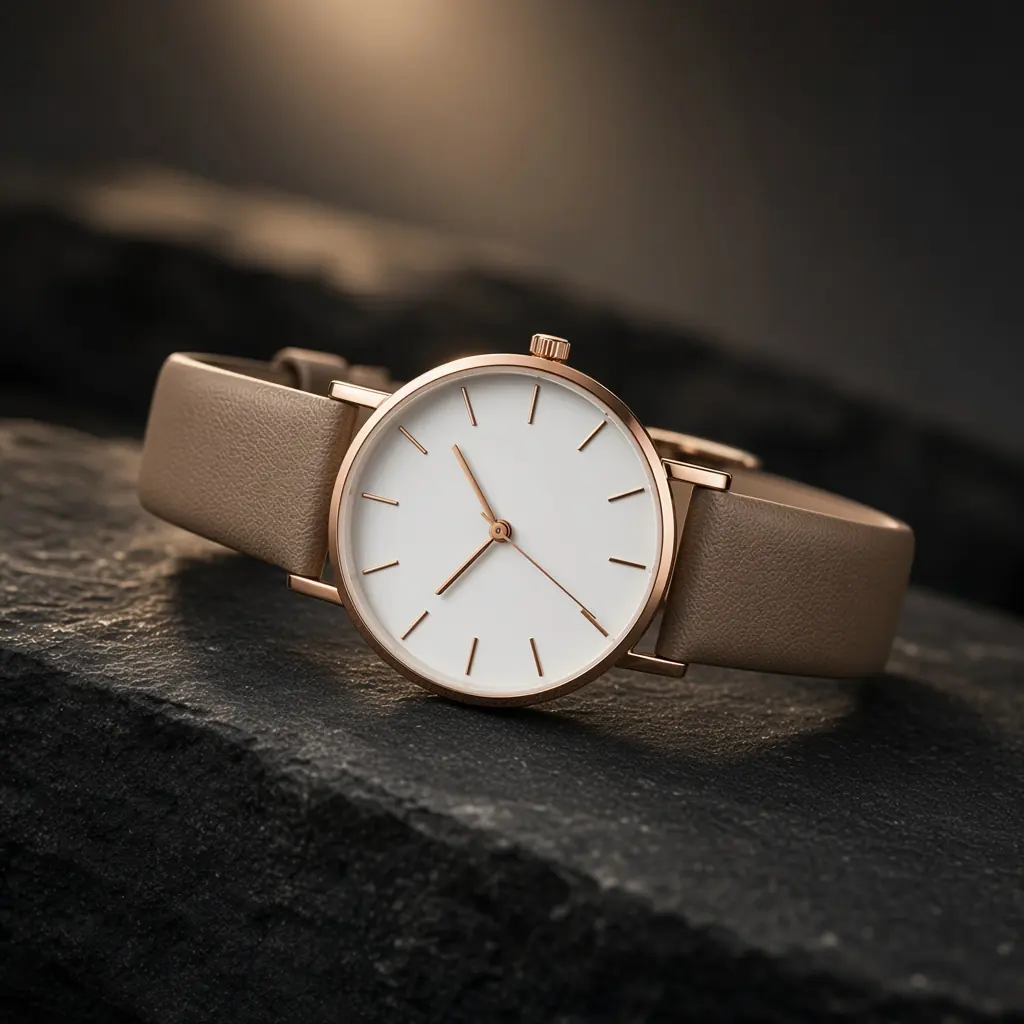
DesignStills reads the object — shape, label, colour — and builds a photograph around it. The product is not invented. The scene is.

PNG, JPG or WEBP. One product per upload. After that you can generate studio, lifestyle, luxury and listing frames from the same file.

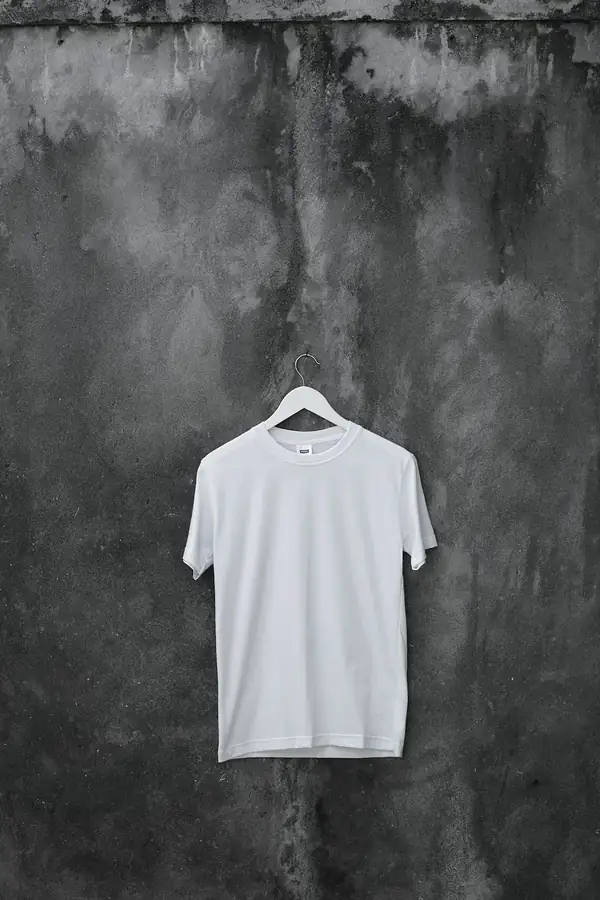
White tee before

Your photo

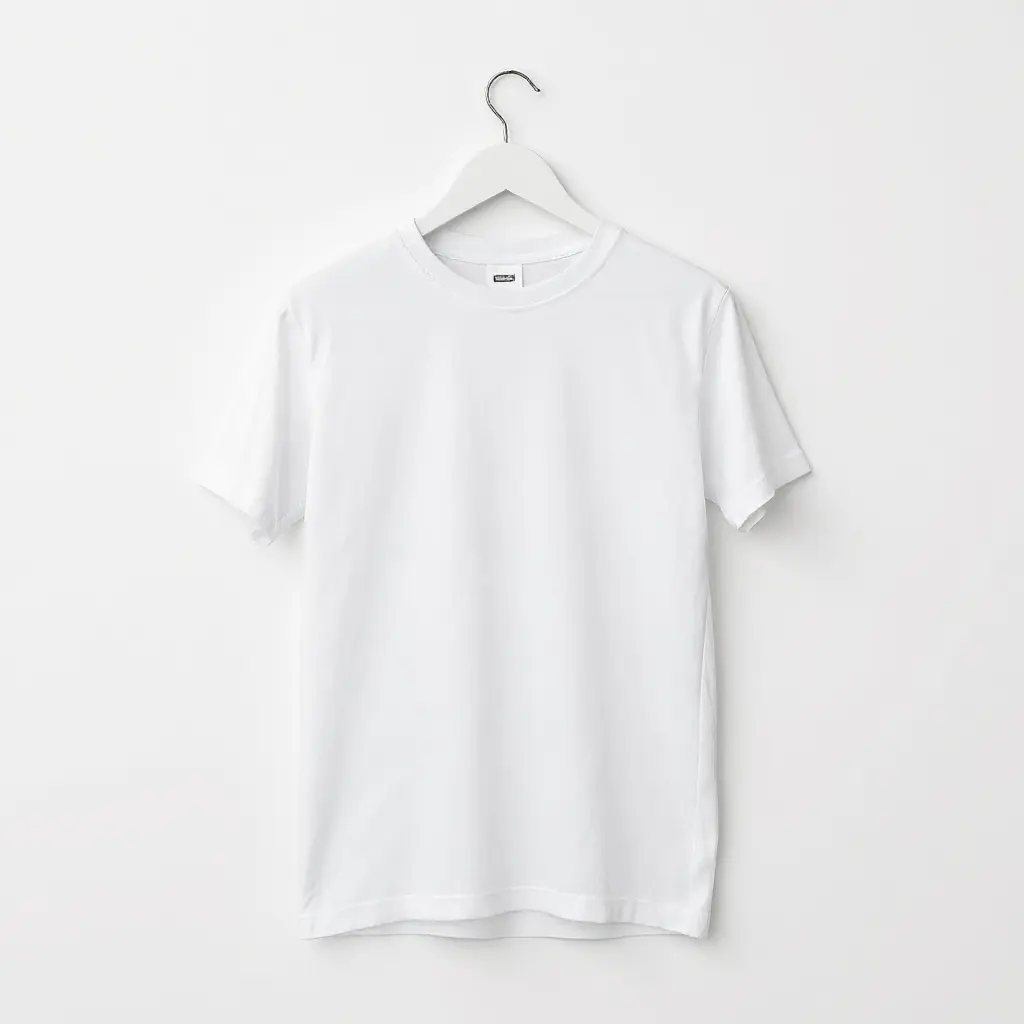
White tee after

Studio packshot

HOW IT WORKS

Three steps, same product file

  1. 1

    Take a simple photo

    Even light, the whole object in frame, a quiet background if you can.

  2. 2

    Upload in the generator

    Drag the file in. It becomes a product you can reuse.

  3. 3

    Describe the still

    Then pick a style. The upload is the constant; the scene changes.

BEST FOR

  • Phone photos
  • Warehouse snaps
  • One SKU, many stills
  • First-time users

Start with a phone shot. PNG, JPG or WEBP — the product stays, the scene is generated.

Upload a product.
Generate the photoshoot.

Professional product photography from a single image — studio, lifestyle and luxury scenes in minutes.