← All product photography

Upload a product photo

The upload is the product record. Every later still starts from it.

Drag the file into the generator. It stays on the account.

DesignStills keeps the product in your photo and changes the set around it. Upload once, choose studio, and download the still. One credit is one finished picture. A new account includes five free images.
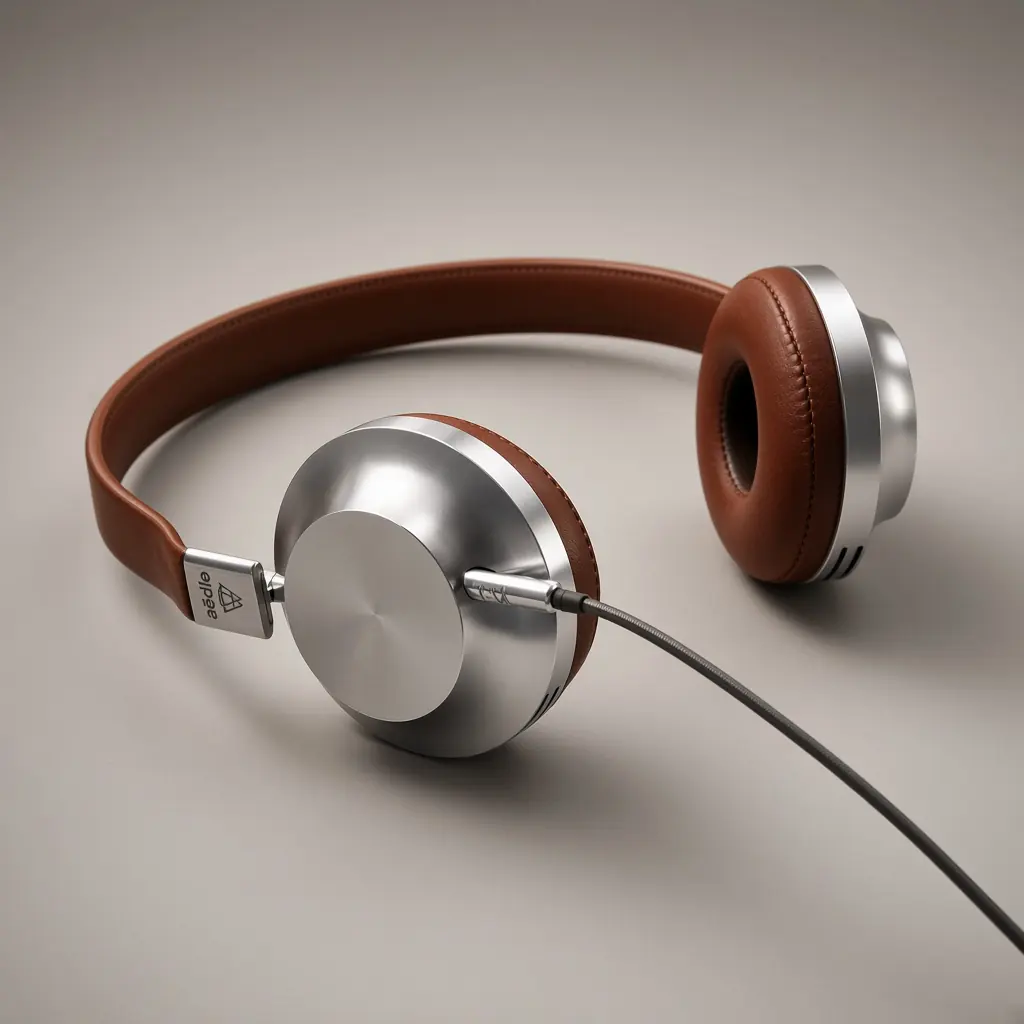
Headphones, studio

How the still is made

  1. 1

    Upload the product

    A table shot or a phone photo. PNG, JPG or WEBP. The whole object in frame.

  2. 2

    Choose the look

    Set the style to studio, then name the ground or the room in a short line.

  3. 3

    Download the picture

    Keep the frame that matches the listing. Generate again if the set is wrong.